Billing and balance
Org Admins can review the balance, workspace members, and training spend.
Prerequisites
Admin role on the organization (the members list shows Admin).
Members cannot open billing pages. Ask an Admin to use Add balance on Billing and members or in the sidebar.
1. Profile menu
Click your initials in the top right to open the profile menu.
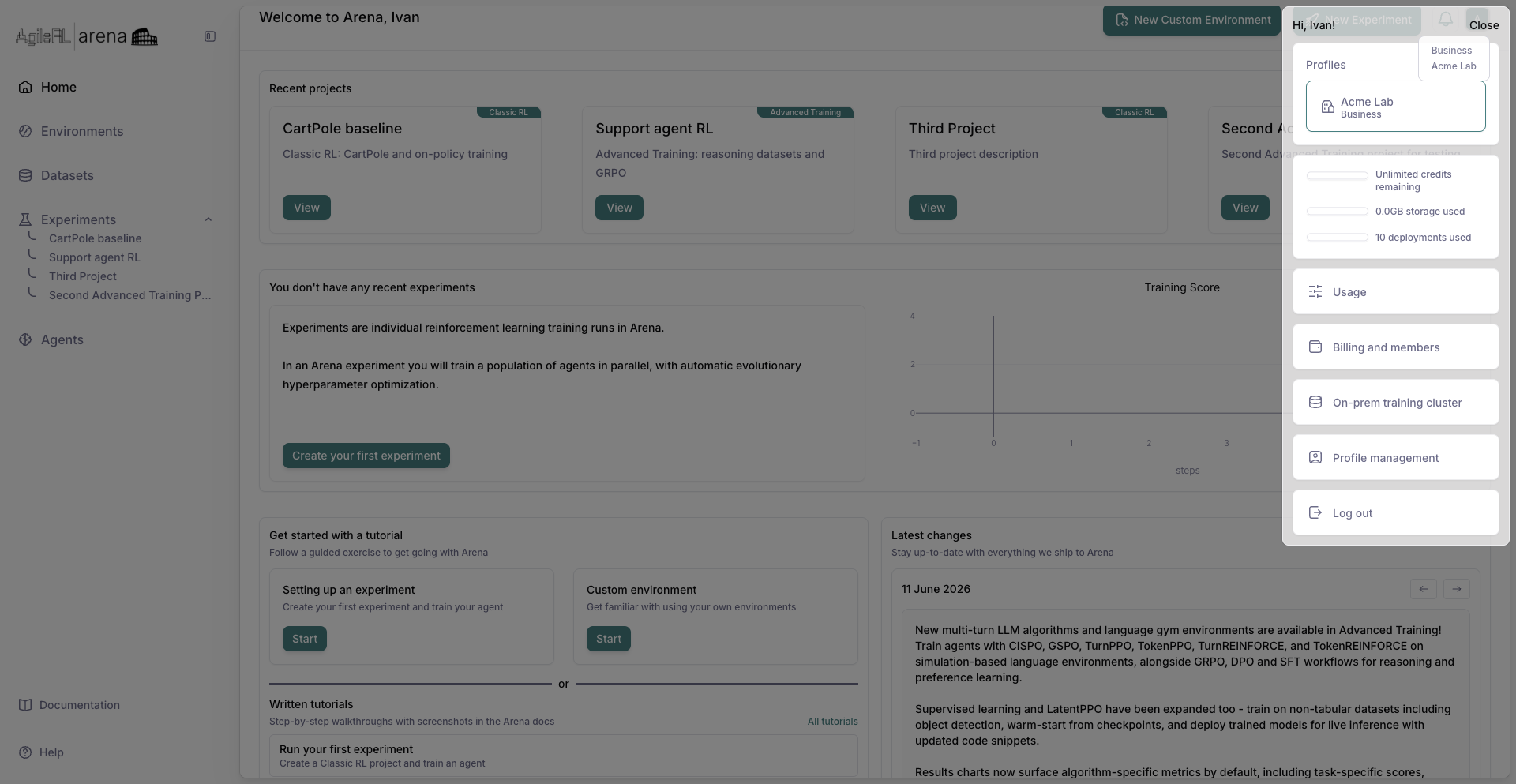
The profile menu with billing entries.
2. Usage
Choose Usage to see the balance and training activity summaries.
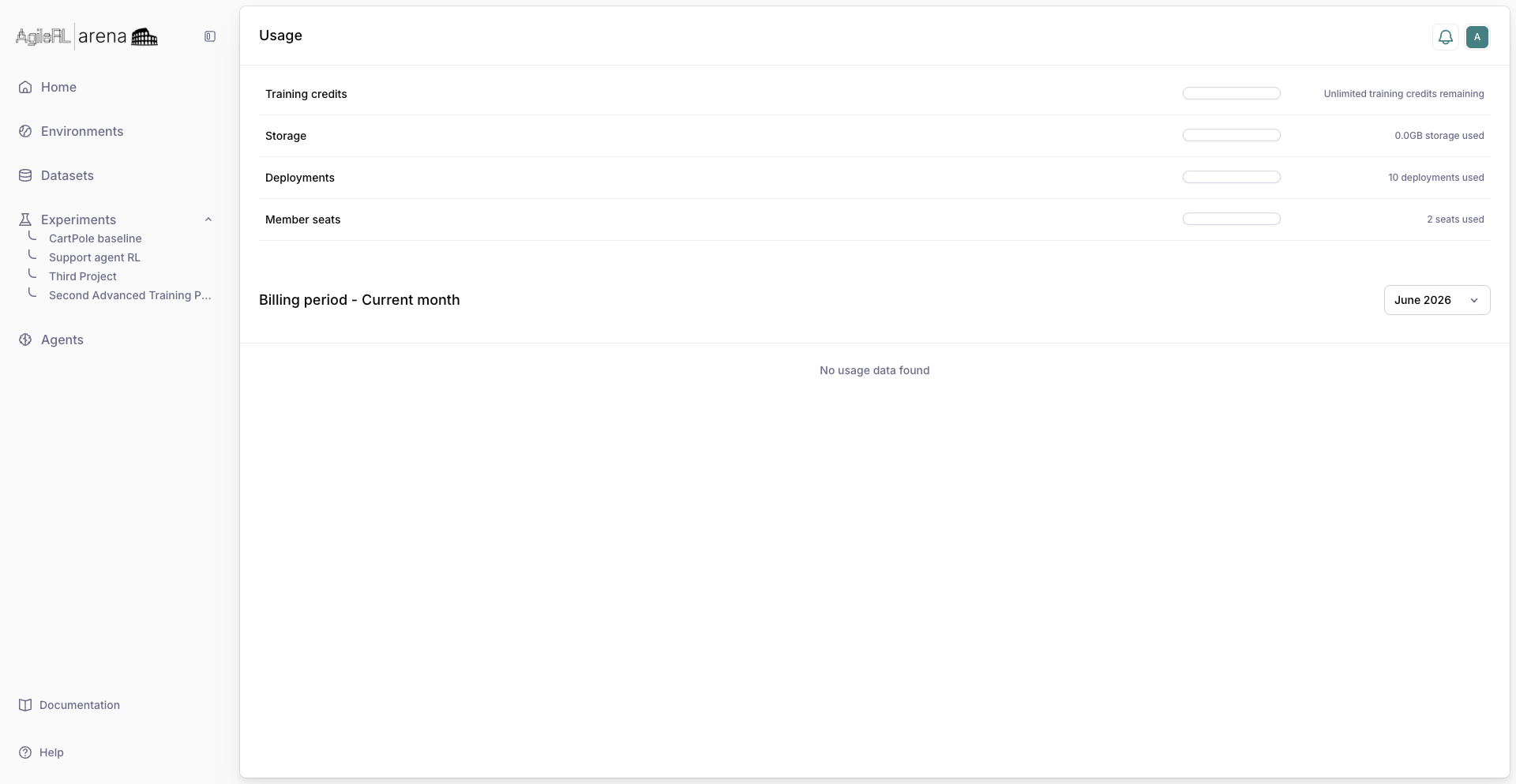
The Usage page.
3. Billing and members
Open Billing and members for the payment method, Add balance, and workspace members. The balance itself is on Usage and in the profile menu. Pay as you go is the default. Contact us on that page is for Enterprise.
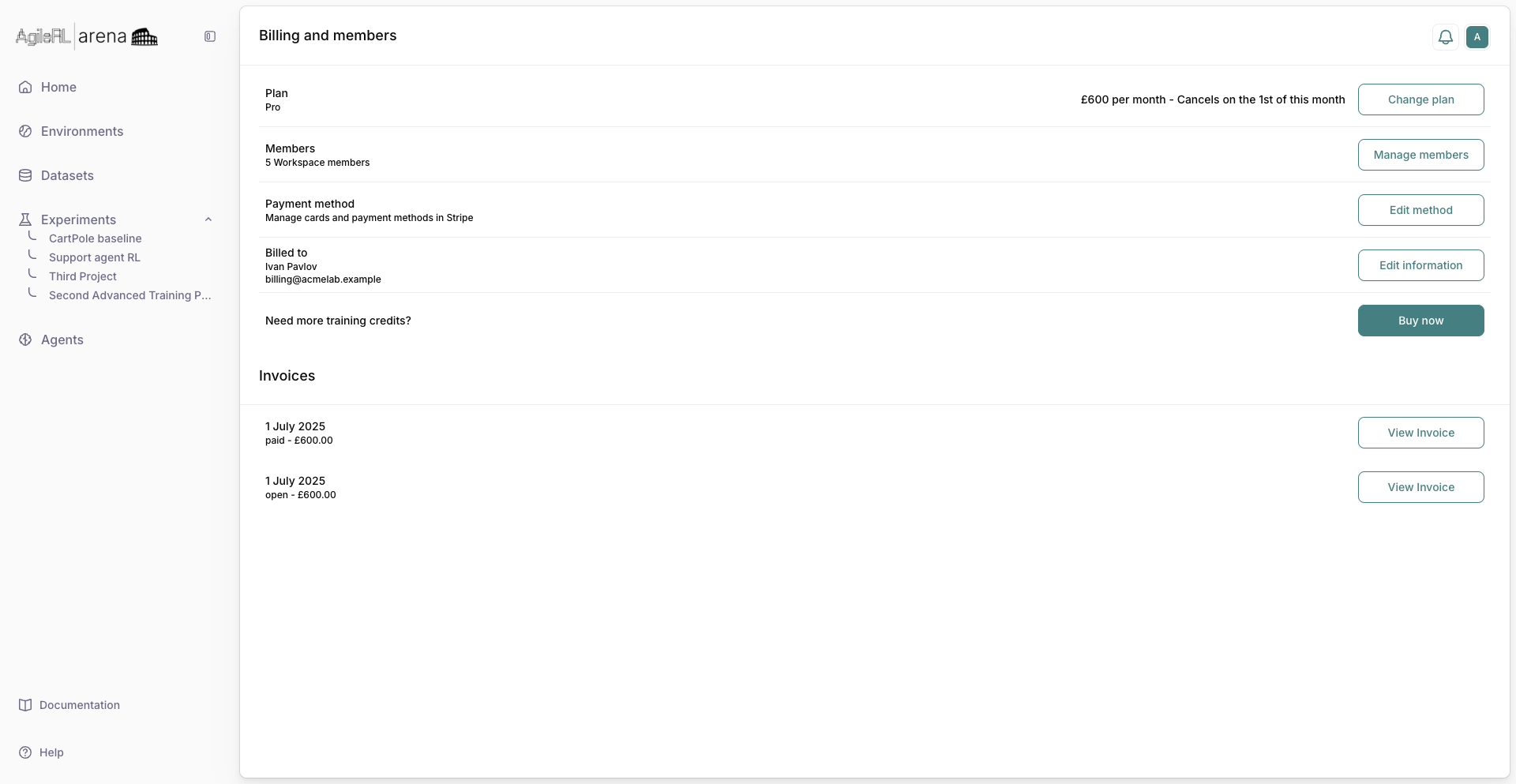
Billing and members.