Upload a reasoning dataset
Reasoning datasets power Advanced Training experiments that learn from prompt–response examples.
Prerequisites
A CSV or supported file layout for reasoning data (see Reasoning datasets).
1. Datasets sidebar
Click Datasets in the sidebar.
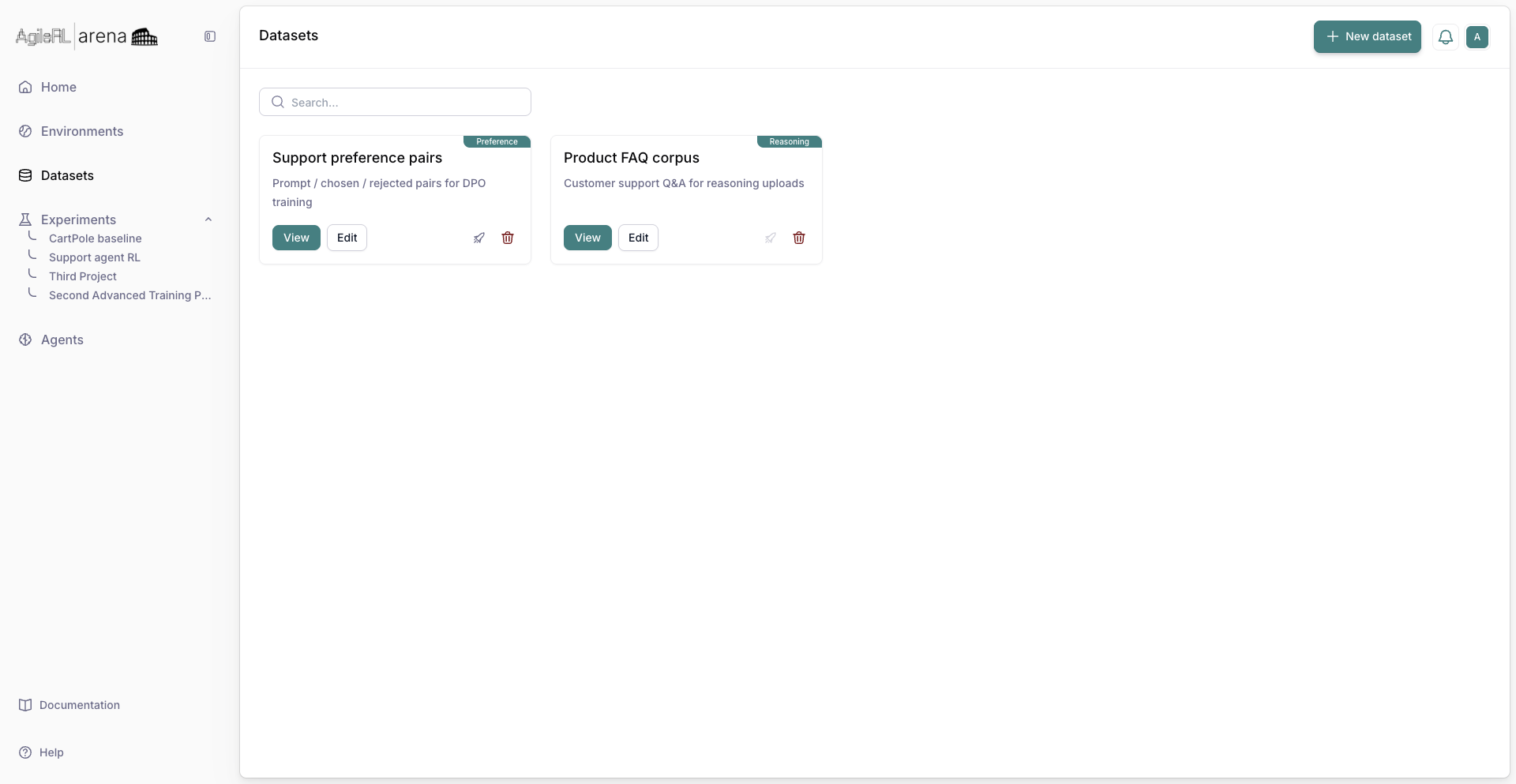
Datasets in the sidebar.
2. New dataset
Click New dataset and choose the reasoning dataset type when prompted.
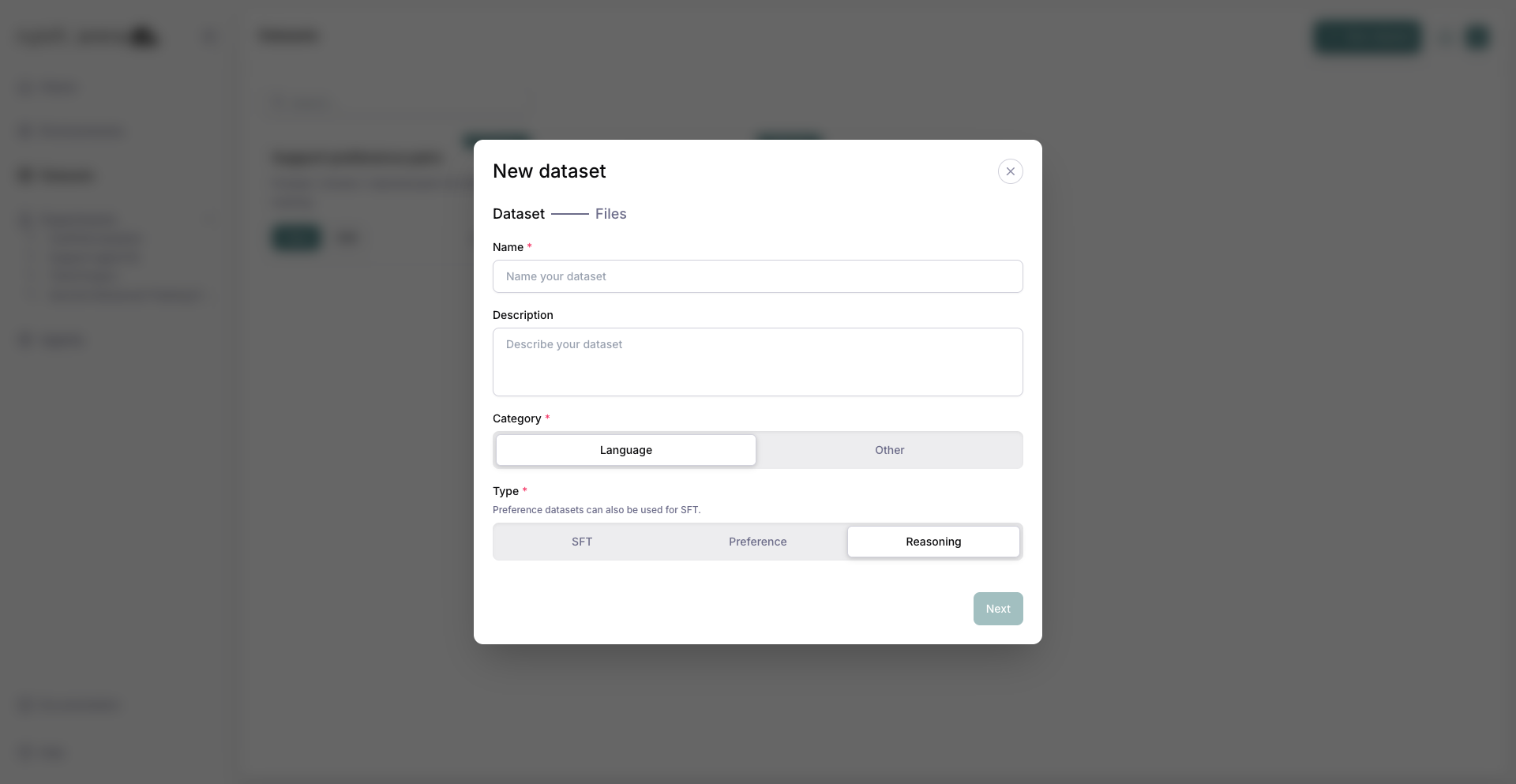
Creating a new reasoning dataset.
3. Upload files
Upload local files or choose a reasoning dataset from Hugging Face. Follow on-screen column hints for reasoning fields.
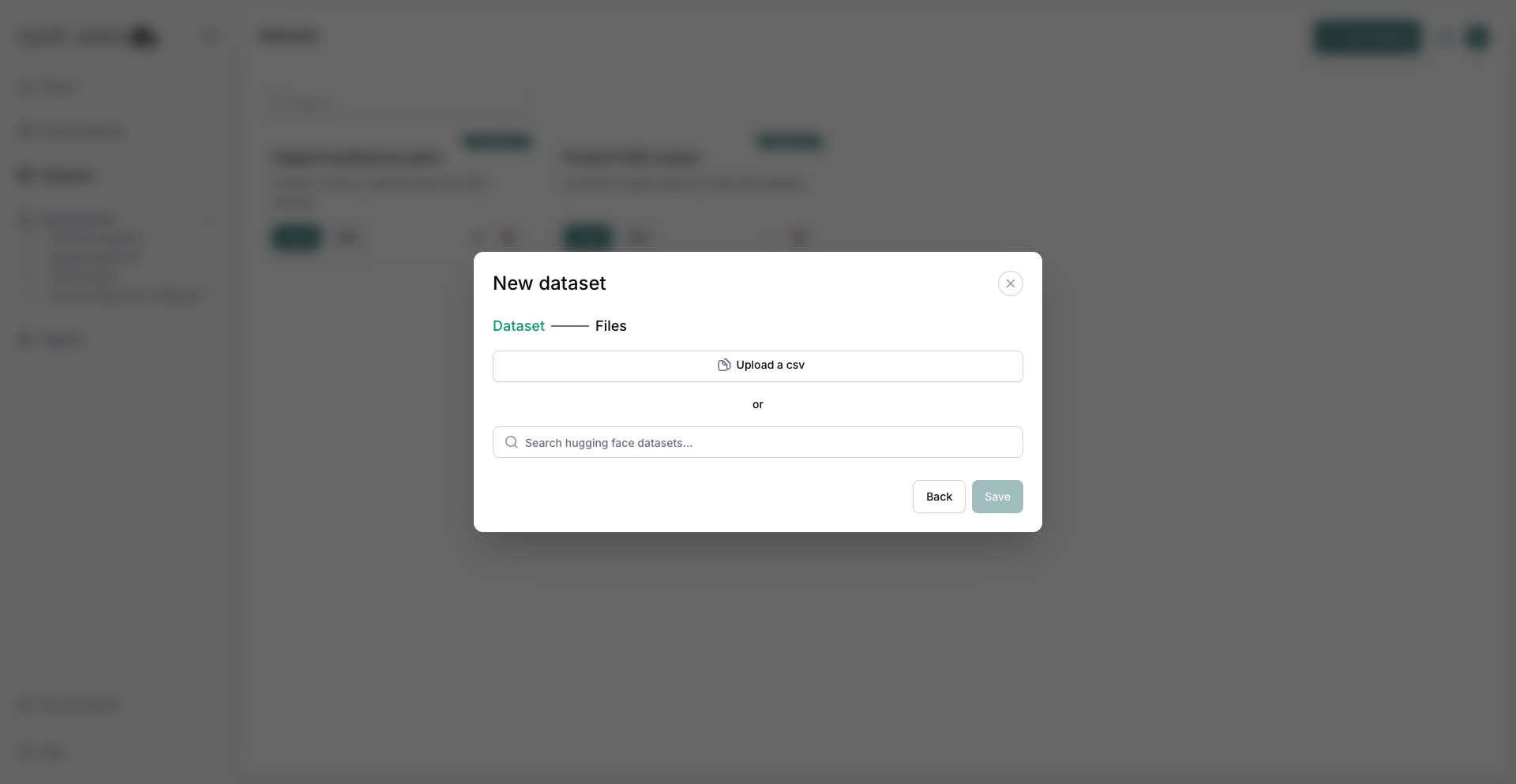
Uploading reasoning dataset files.
4. Map columns
Map your file columns to Question and Answer using the column label controls.
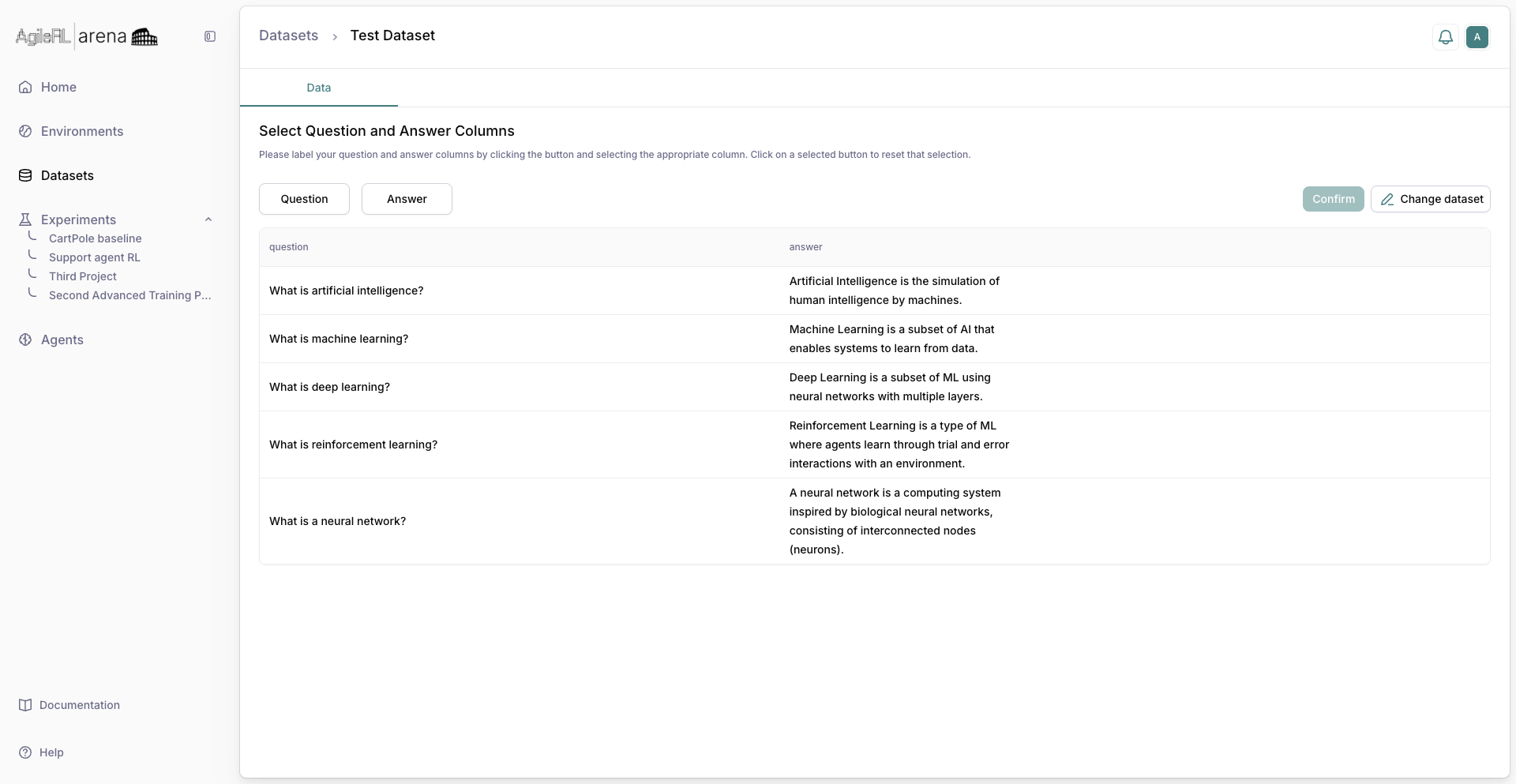
Selecting question and answer columns.
5. Preview
Review a sample table after column mapping.
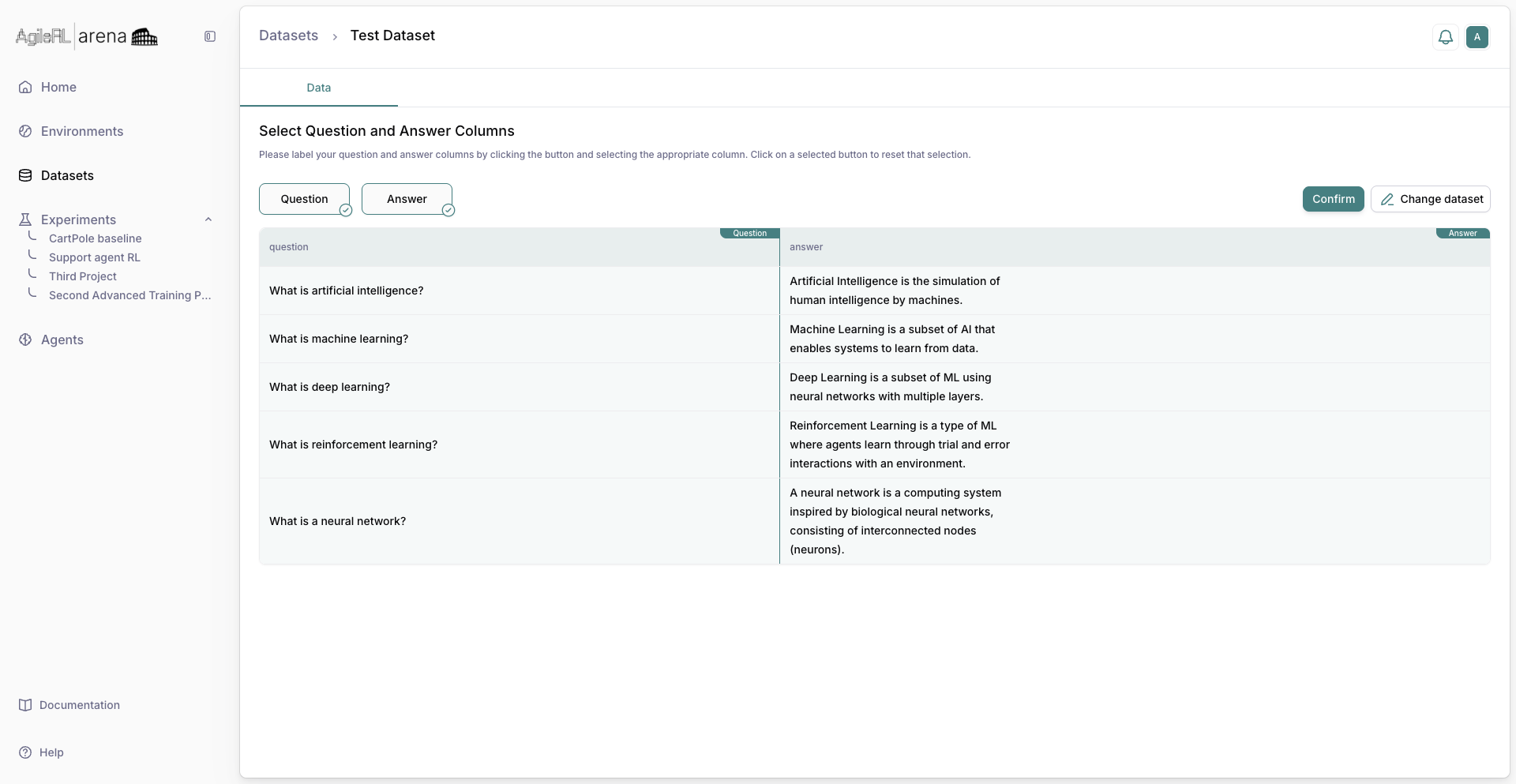
Preview of uploaded reasoning rows.
6. Saved dataset
Confirm save. The dataset appears in the list for use in the experiment wizard.
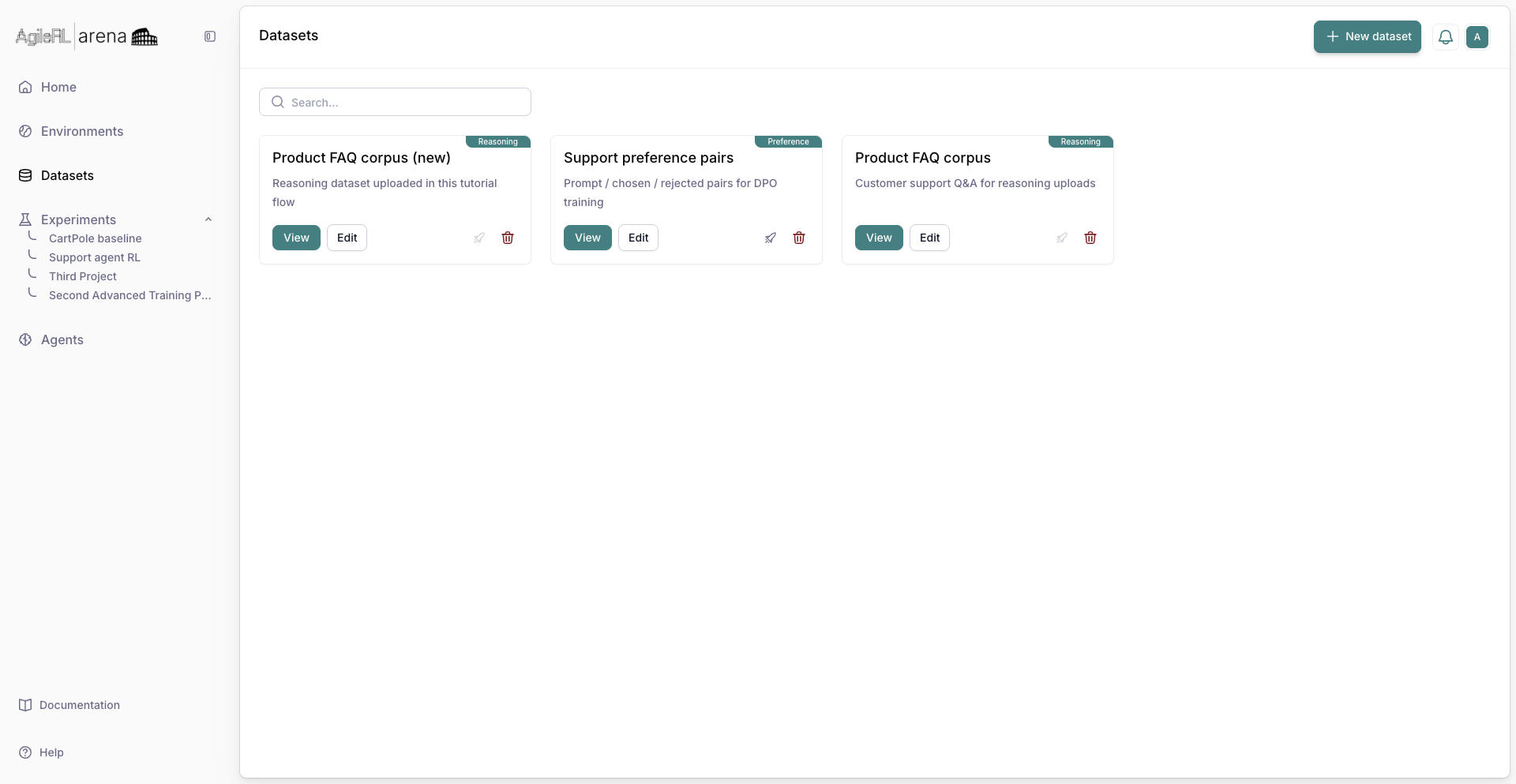
The dataset listed after save.