Deploy and invoke an agent
Deploy a trained checkpoint as an agent, then send a test prompt from the Arena UI.
Prerequisites
A successful training run with at least one checkpoint (view results).
Permission to create deployments in your organization.
1. Open Agents
Click Agents in the sidebar to open the Agents page. This page is where you can view available agents and deployments, deploy from checkpoints, and open deployment details to interact with agents after they are deployed.
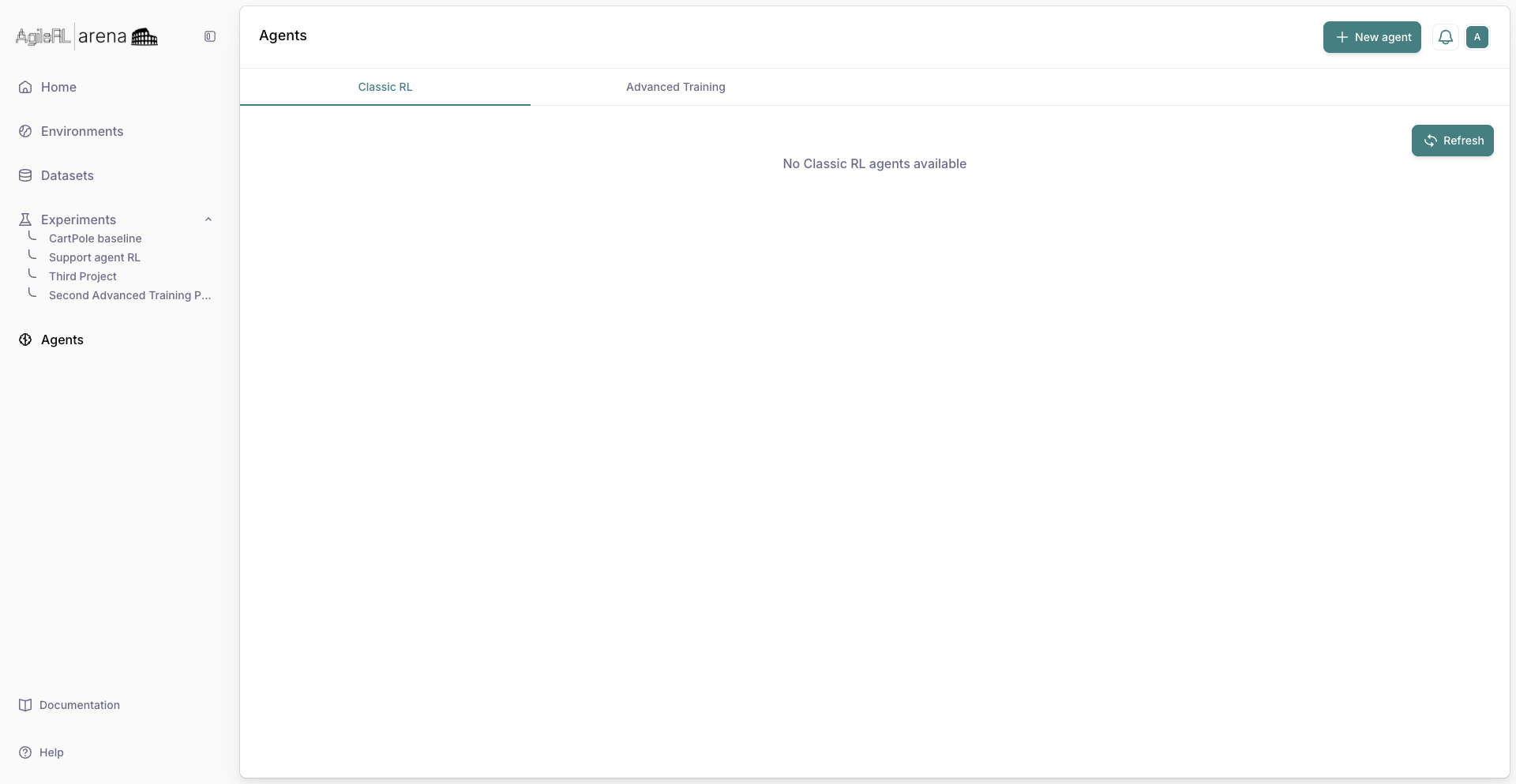
Agents in the sidebar.
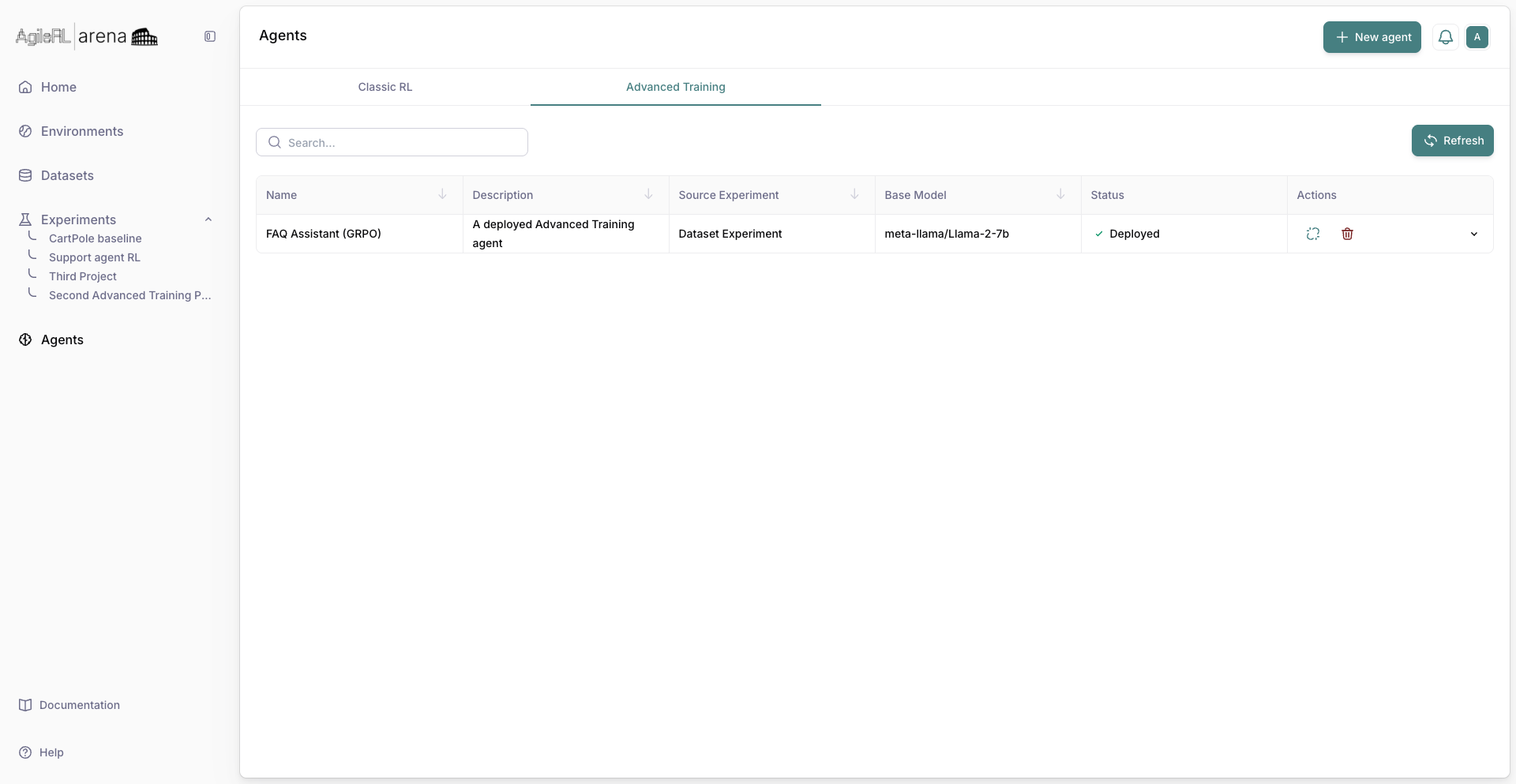
The Agents list.
2. Deploy from checkpoint
From a checkpoint or experiment results, start Deploy and confirm resource settings.
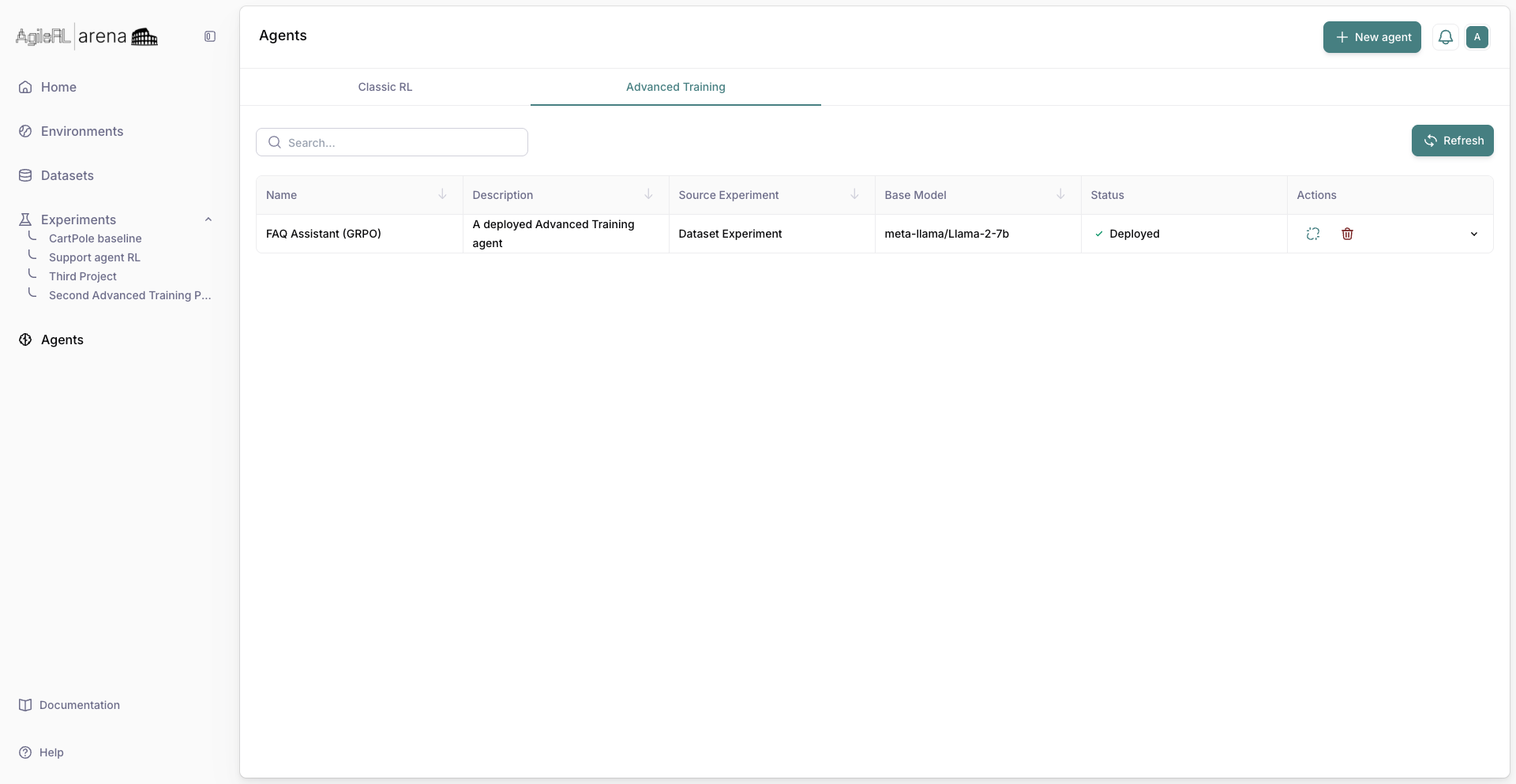
Starting deploy from a checkpoint.
3. Deployment detail
After deploy completes, open the agent detail view with tabs for chat, code samples, or status.
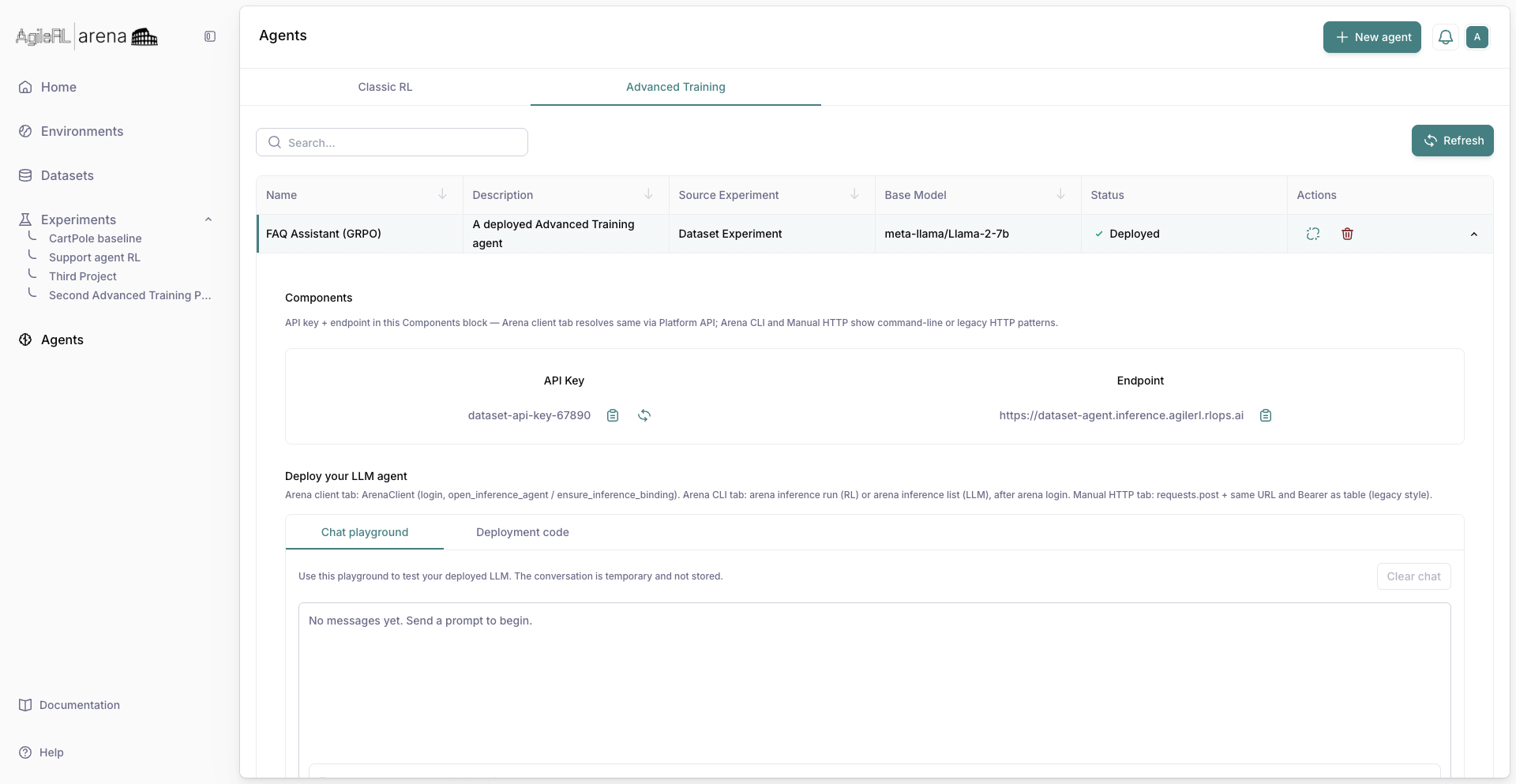
A deployed agent ready to test.
4. Invoke
Use the chat or invoke panel to send a prompt and read the model response.
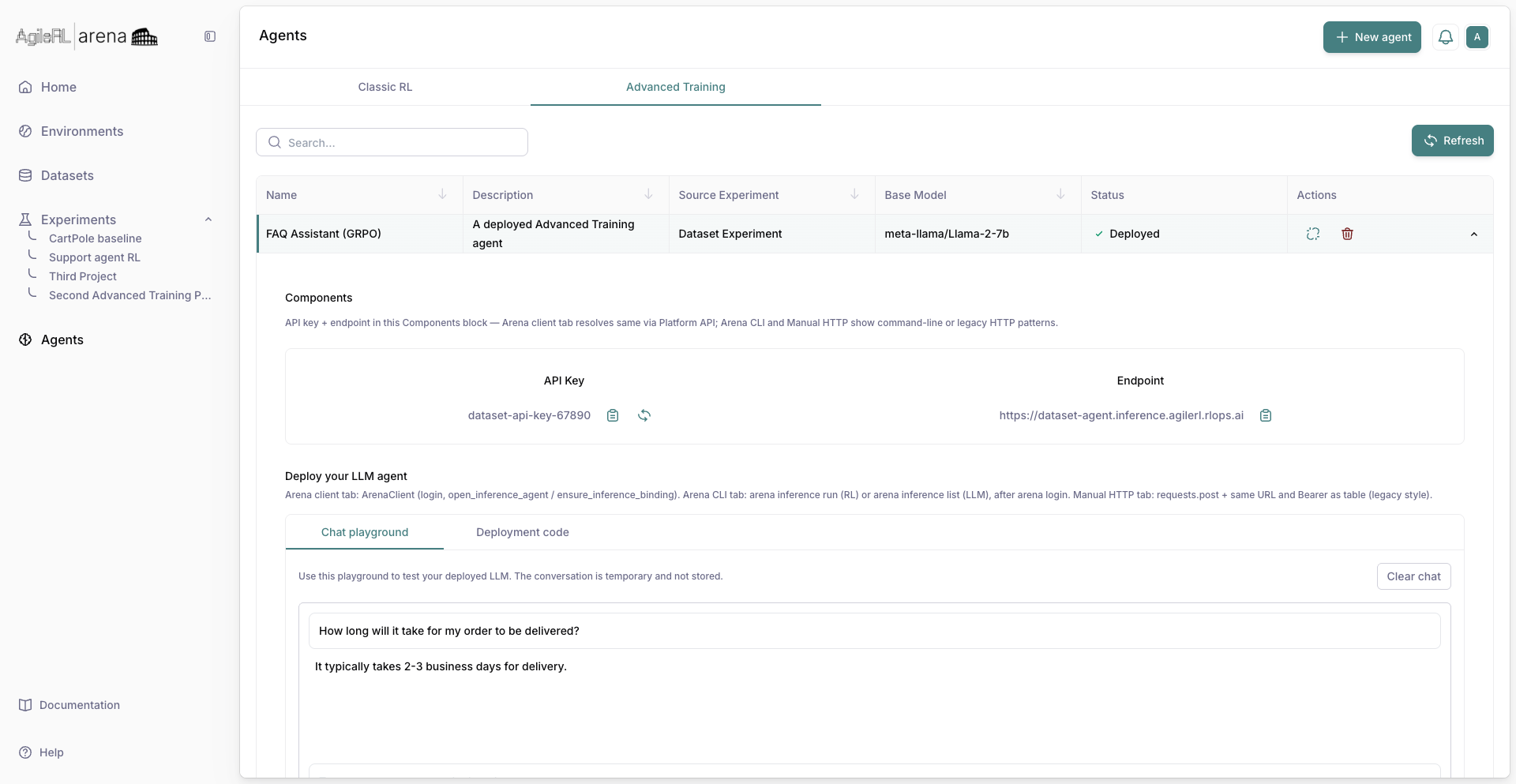
Sending a test message to the agent.