Create an Advanced Training project
Advanced Training projects use datasets and LLM-style algorithms. You choose the mode when creating the project; it cannot be changed later.
Prerequisites
Permission to create projects in your organization.
For dataset uploads, see Upload a reasoning dataset next.
1. Open Experiments
Sign in and click Experiments in the sidebar.
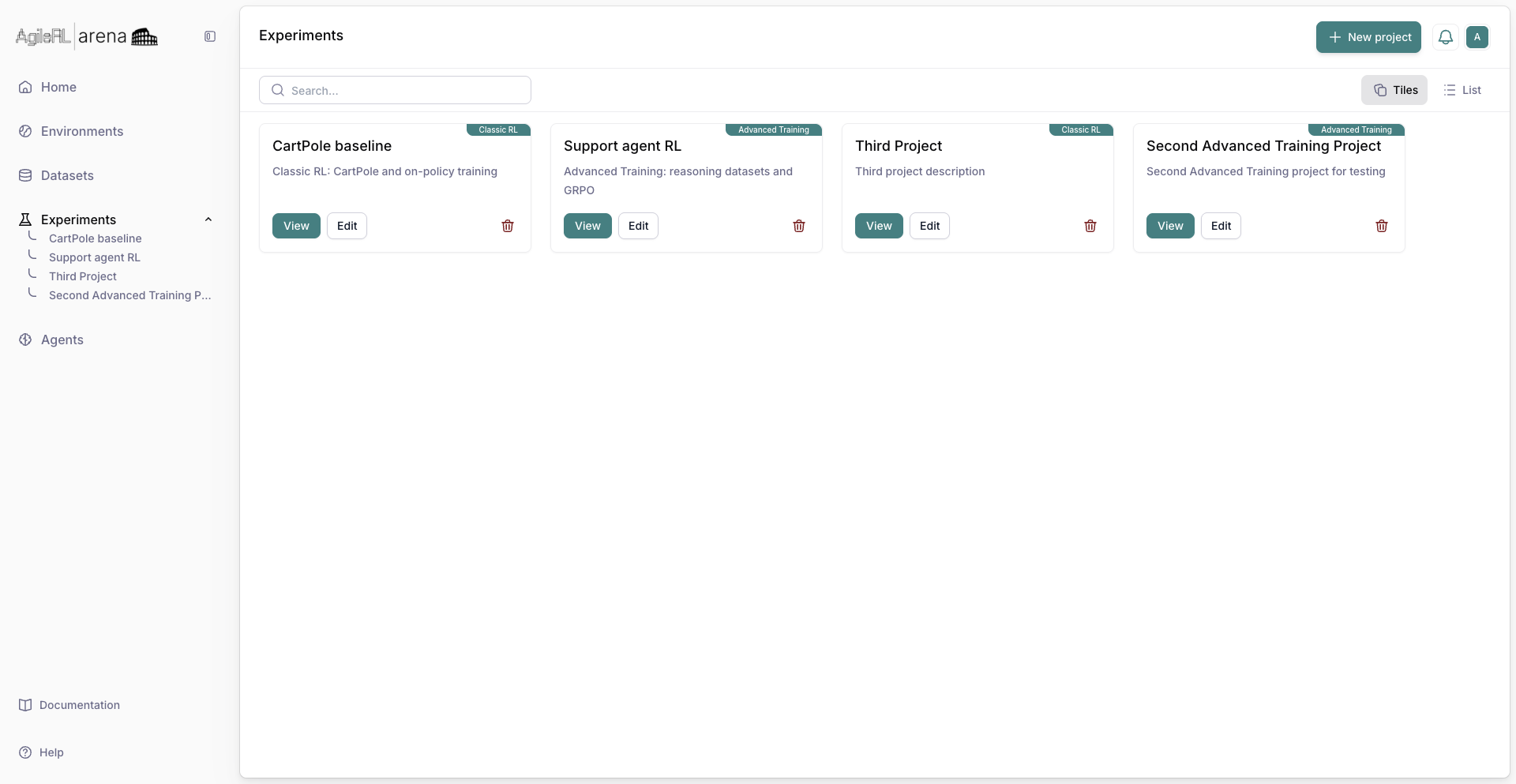
The Experiments page.
2. New project with Advanced Training
Click New project. Enter a name and description. On the Training switcher, select Advanced Training, then Create Project.
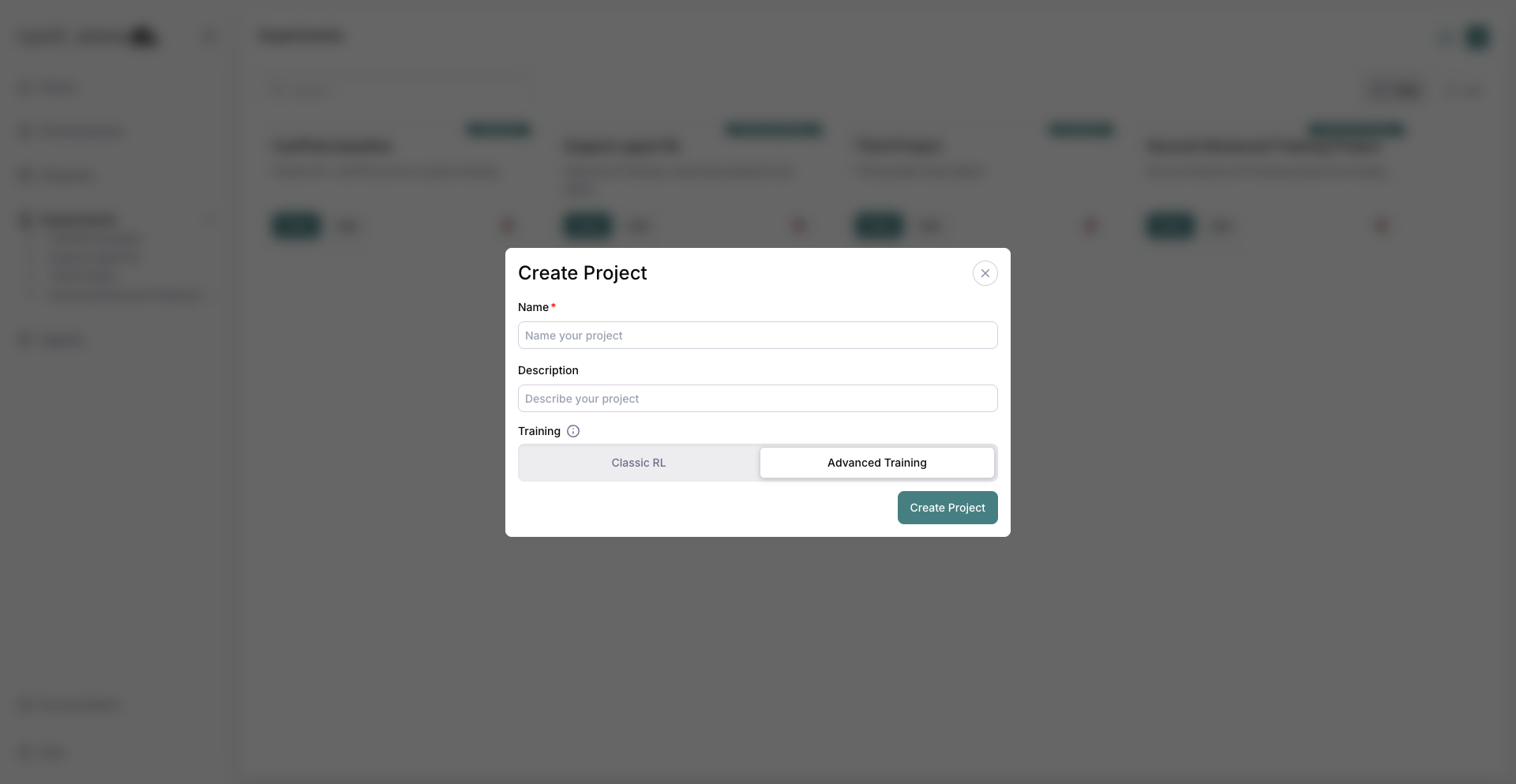
Advanced Training selected on the new project dialog.
3. Advanced project page
The project page opens. The experiment table works like Classic RL, but wizard steps include dataset configuration.
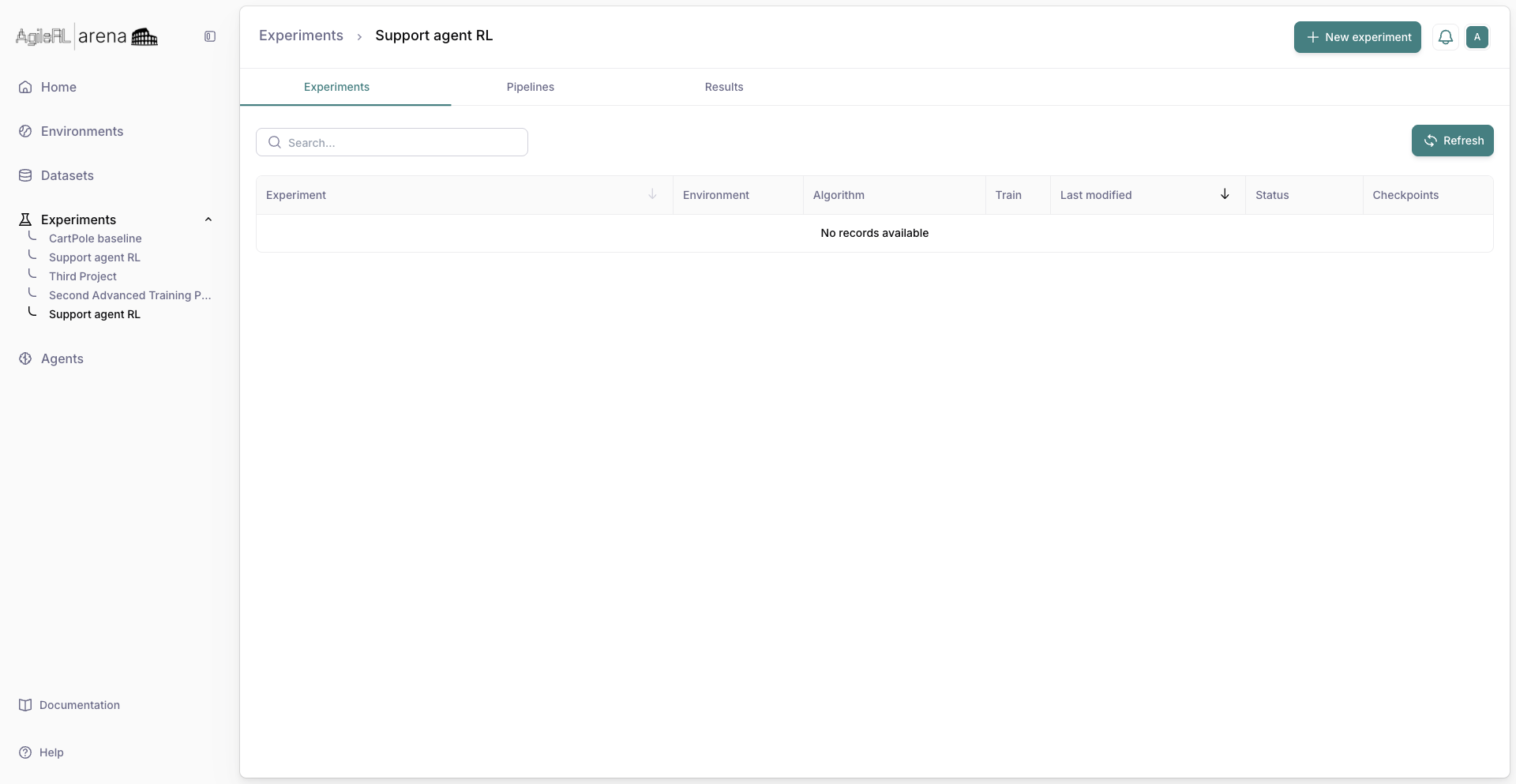
An Advanced Training project ready for experiments.
4. Datasets
Click Datasets in the sidebar to open the datasets home, where you can browse your organization’s datasets and start a new upload with New dataset for reasoning, preference, SFT, tabular, or non-tabular data.
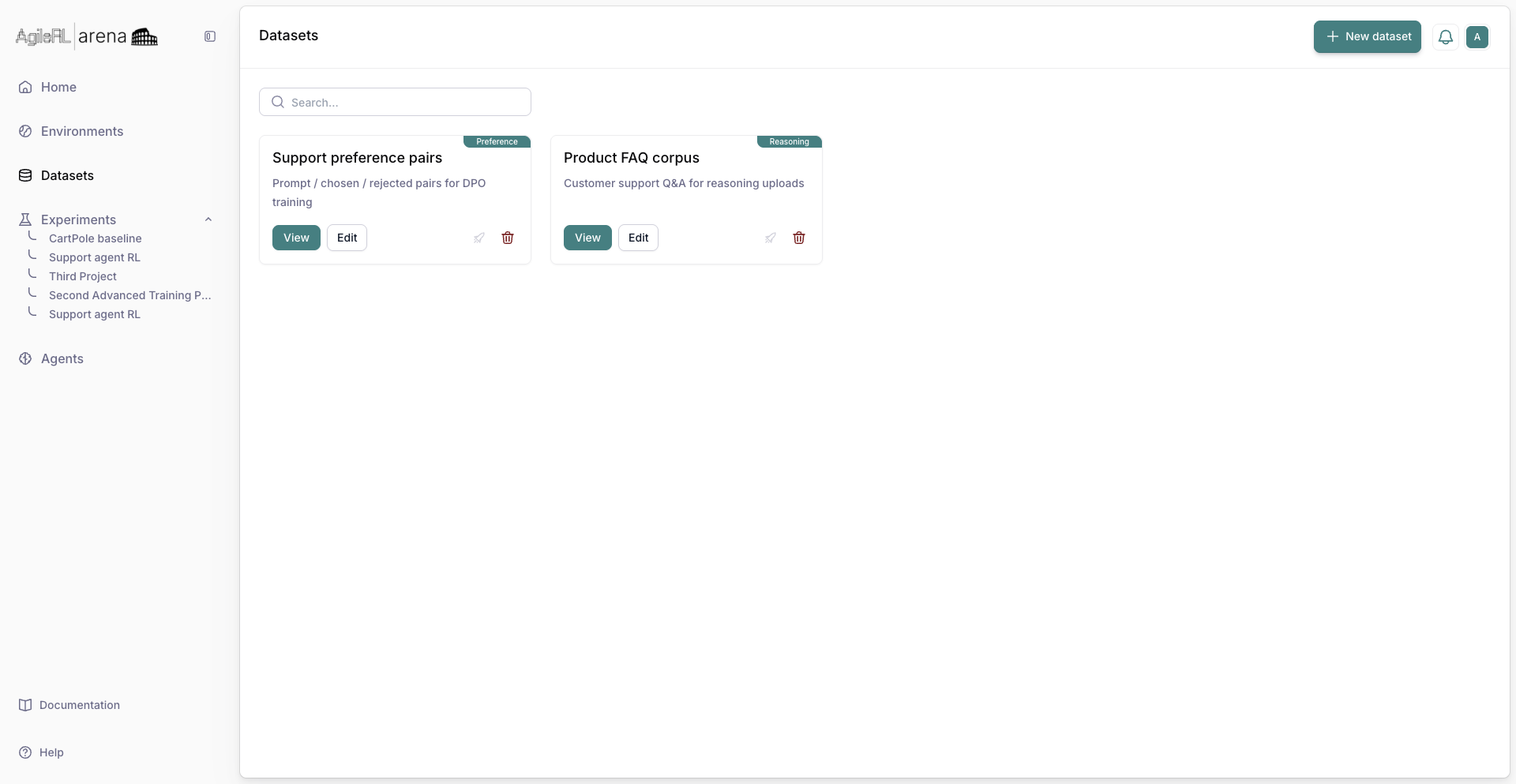
The Datasets page from the sidebar.
5. Back to Experiments
Return to Experiments and open your Advanced Training project to create an experiment after data is ready.
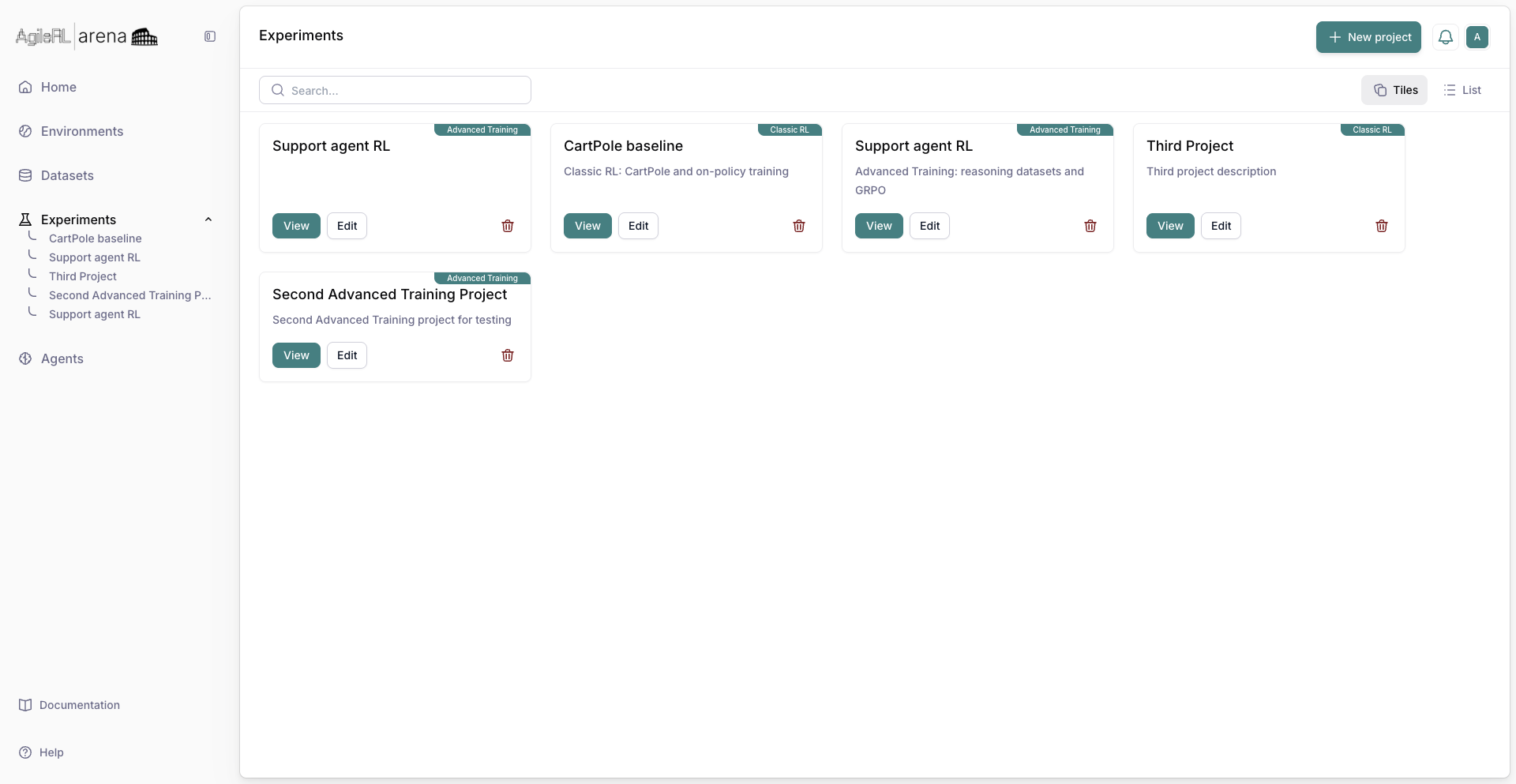
Your Advanced Training project on Experiments.