Upload a language-based environment
A language-based environment is custom gym code that drives an LLM through reset and step. Turn on Language-based in the create modal, then upload, pick an entrypoint, and save.
Prerequisites
An Advanced Training project. Classic RL projects can store the gym, but LLM algorithms such as LLMPPO run in Advanced Training.
A Python module or archive ready to upload. See Custom environments.
1. Open Environments
Click Environments in the sidebar.
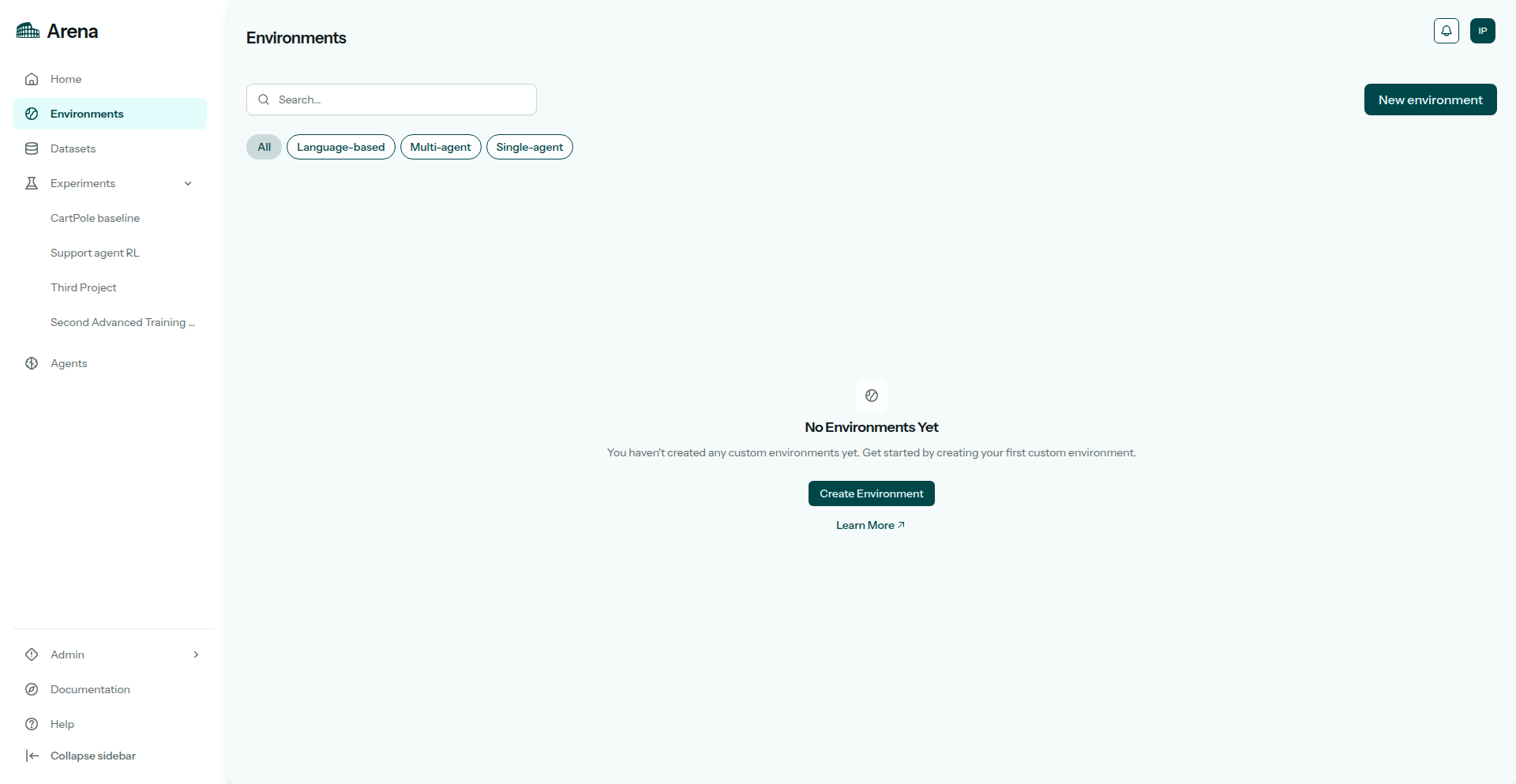
Environments in the sidebar.
2. Language-based setup
Click New environment. Name it, then set Environment category to Language-based. That switch is the language-based control in the UI.
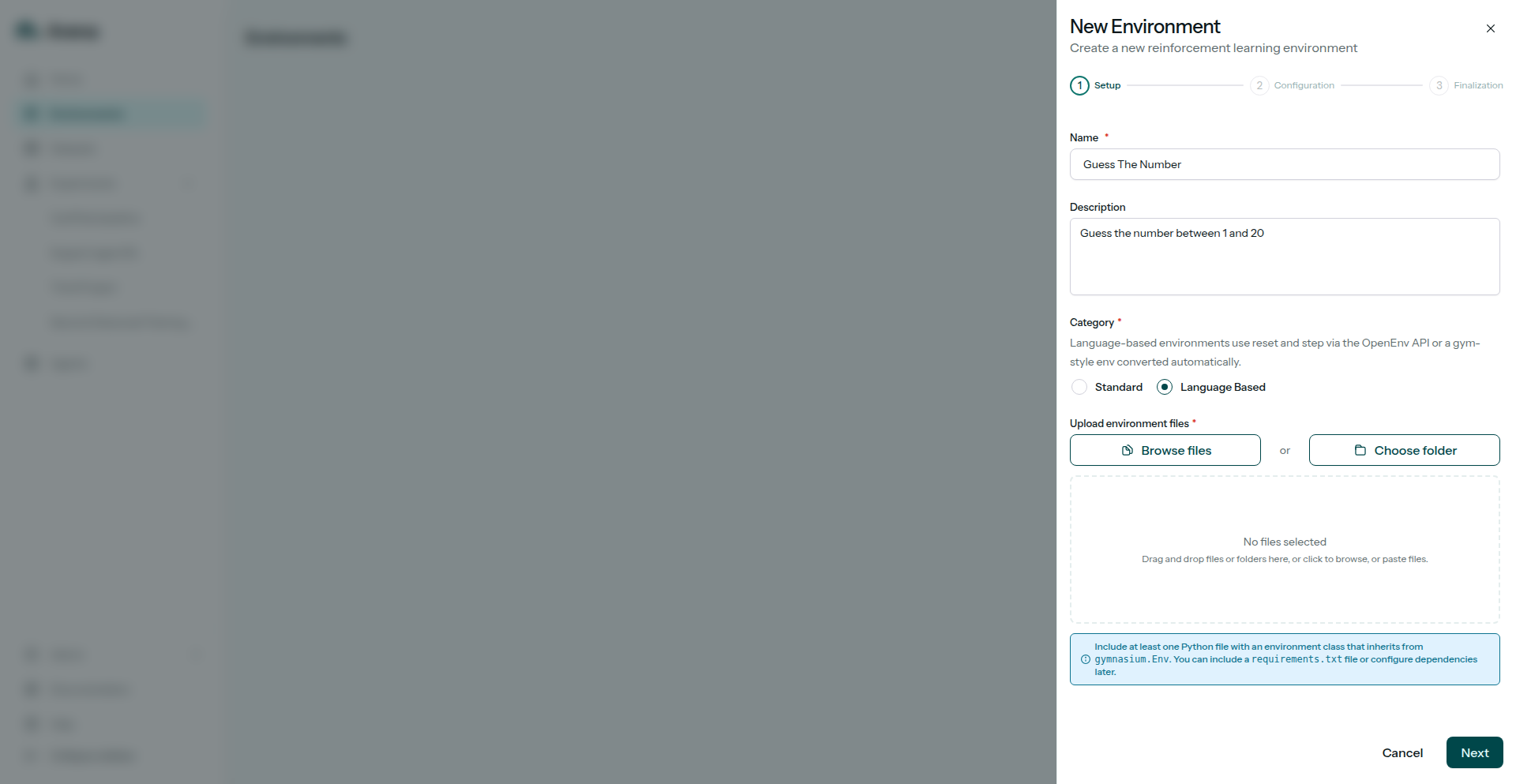
Setup with Language-based turned on.
Language-based gyms are single-agent.
3. Upload code
Upload the environment archive (file or folder). Include requirements.txt at the top of a package if you have extra dependencies.
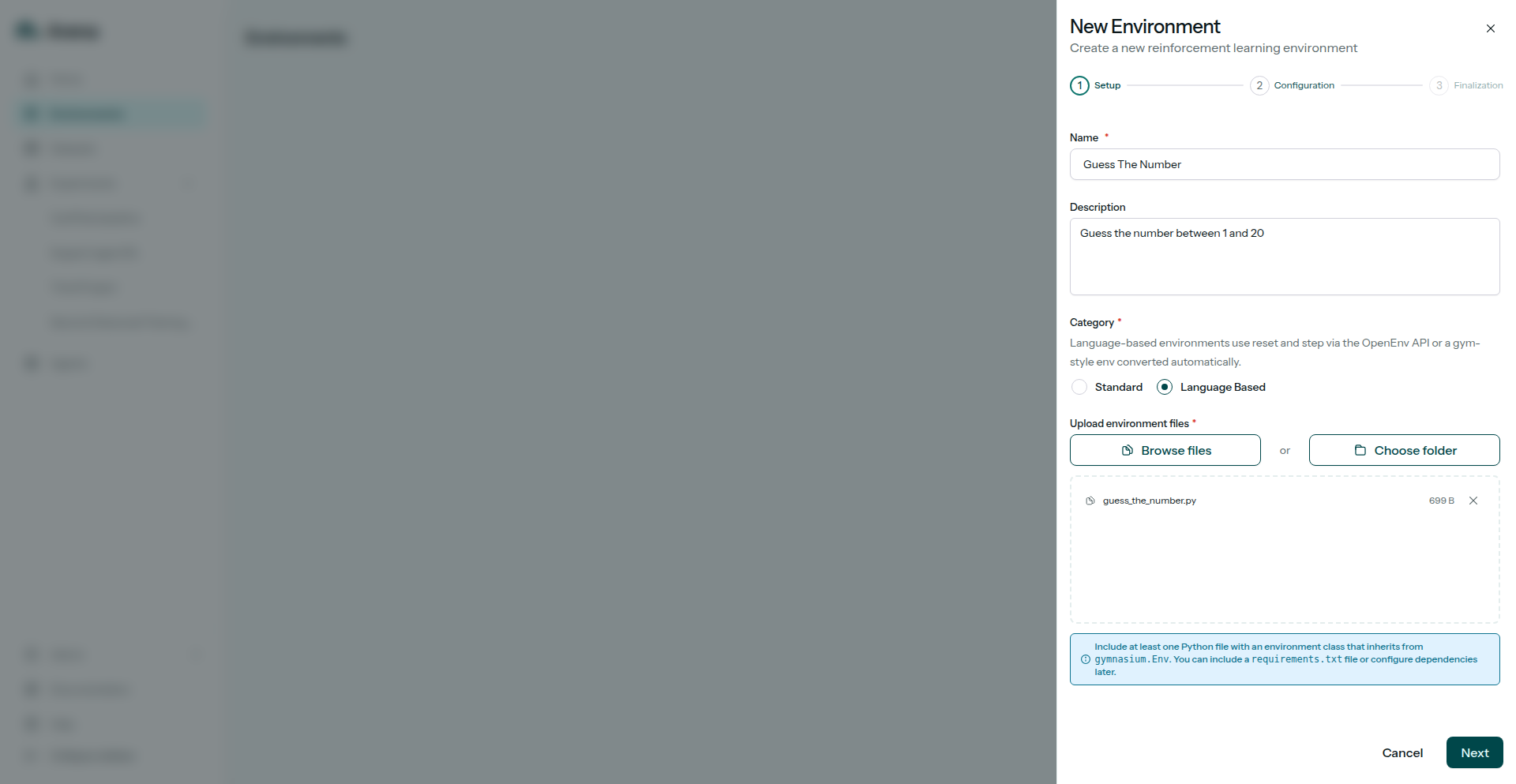
The upload step with a file selected.
4. Entrypoint
Pick the module and class Arena should instantiate, for example guess_the_number:GuessTheNumberEnv. Finish the stepper to create the first version.
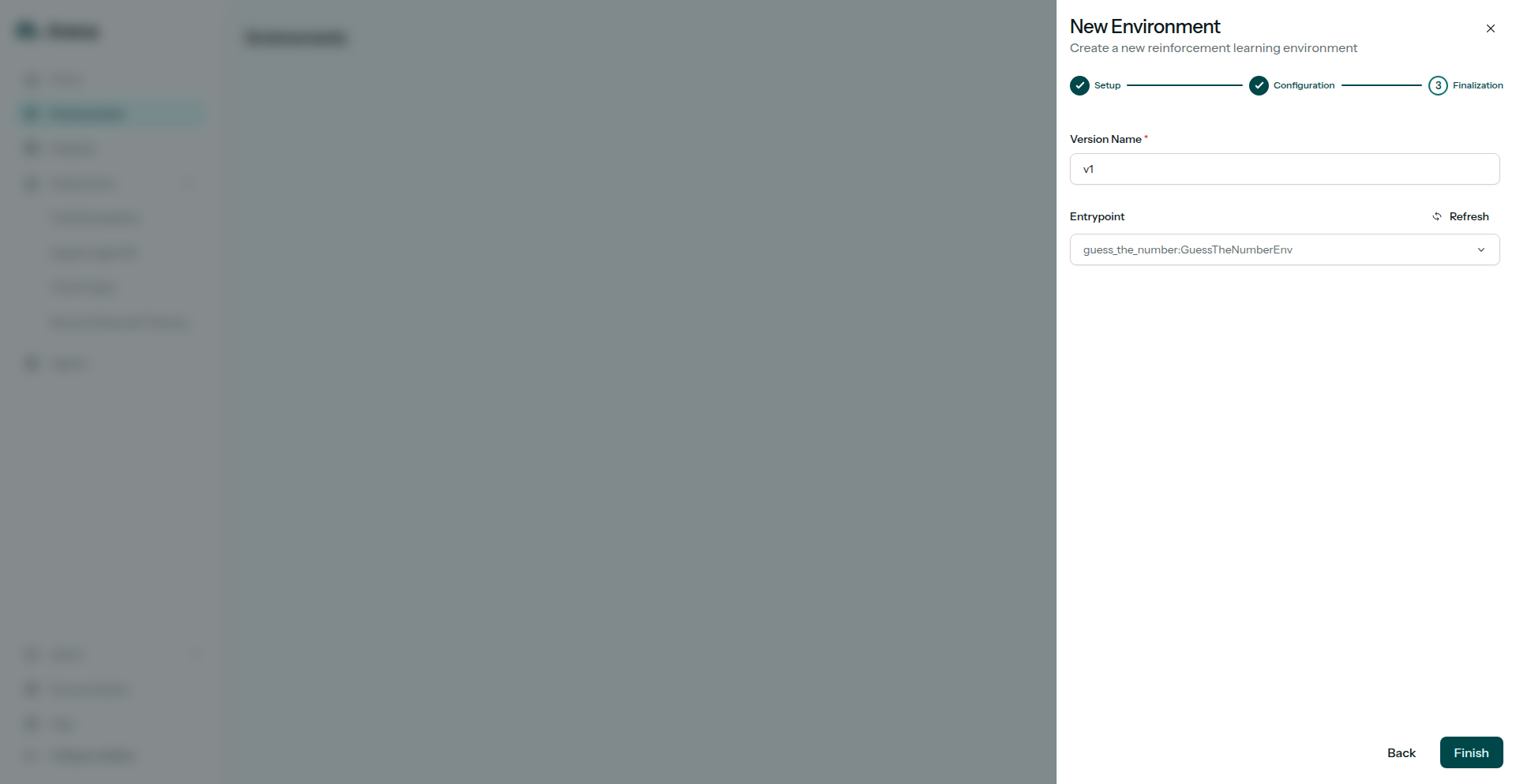
Choosing an entrypoint class.
5. Environment detail
The environment page lists versions and validation status. Wait until the version is Validated before you launch an experiment.
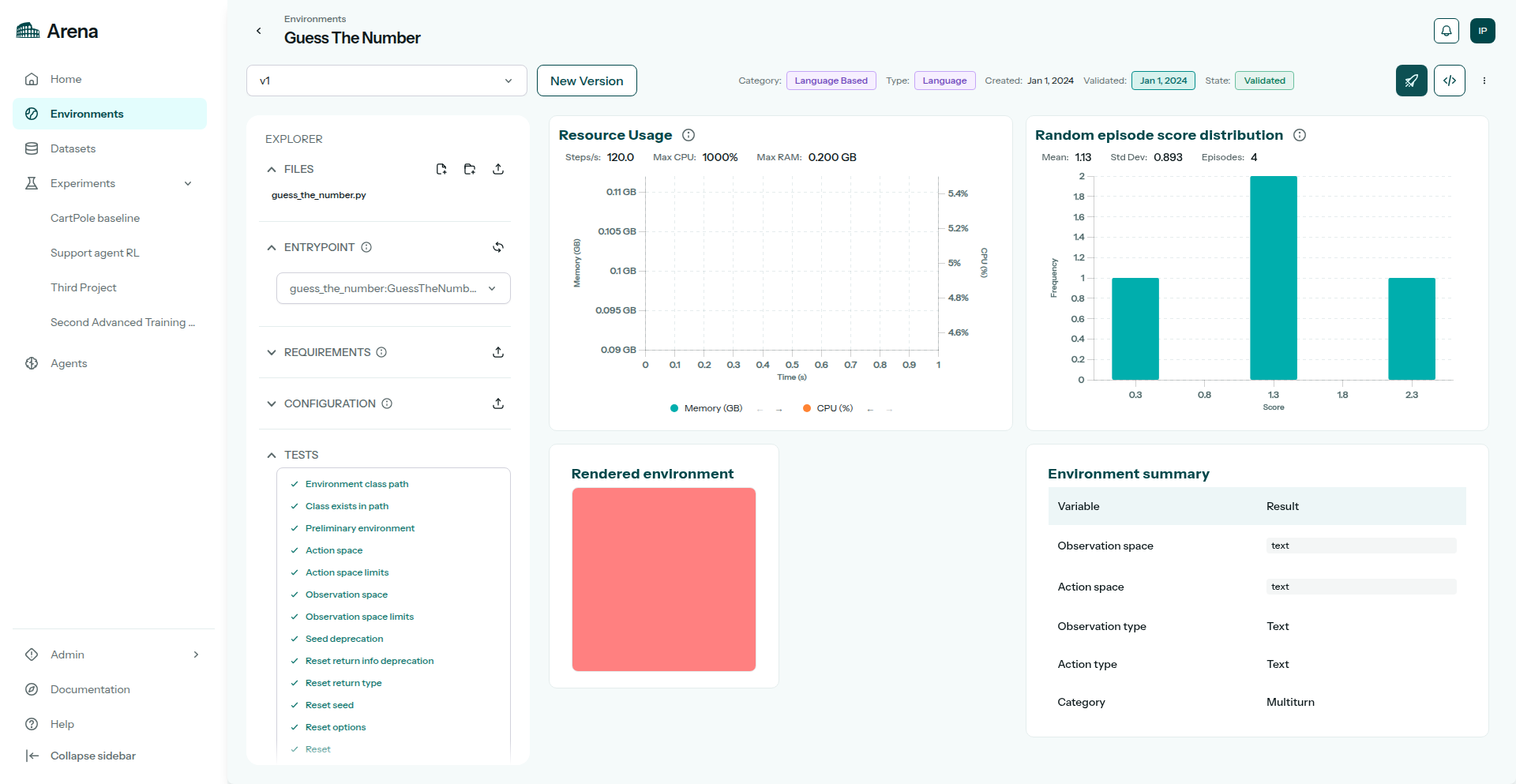
The saved language-based environment.
6. View code
Open the environment version to inspect the gym source. You should see Guess The Number (guess_the_number:GuessTheNumberEnv).
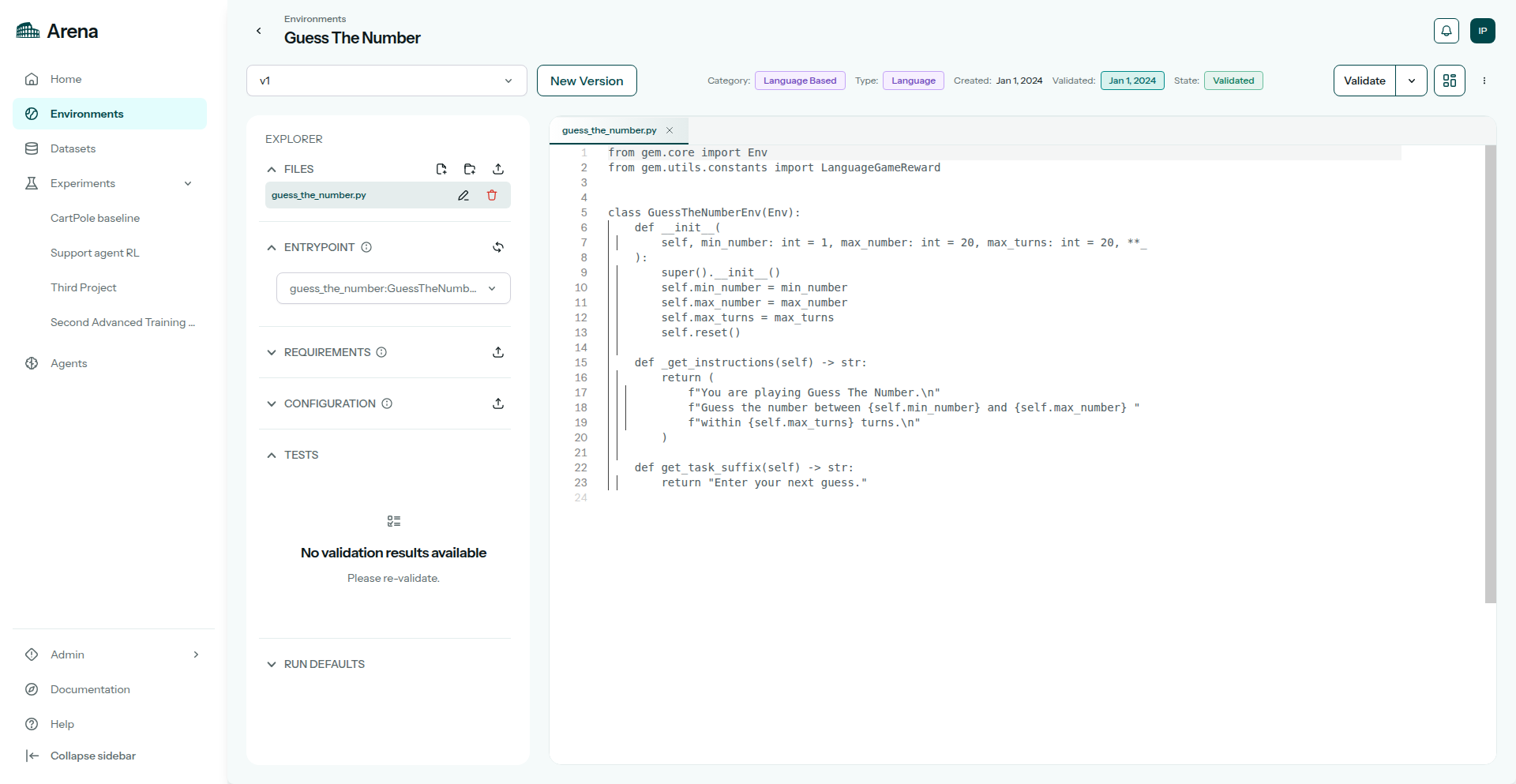
Viewing Guess The Number source in the editor.
7. Validation results
Click Validate and open the checklist.
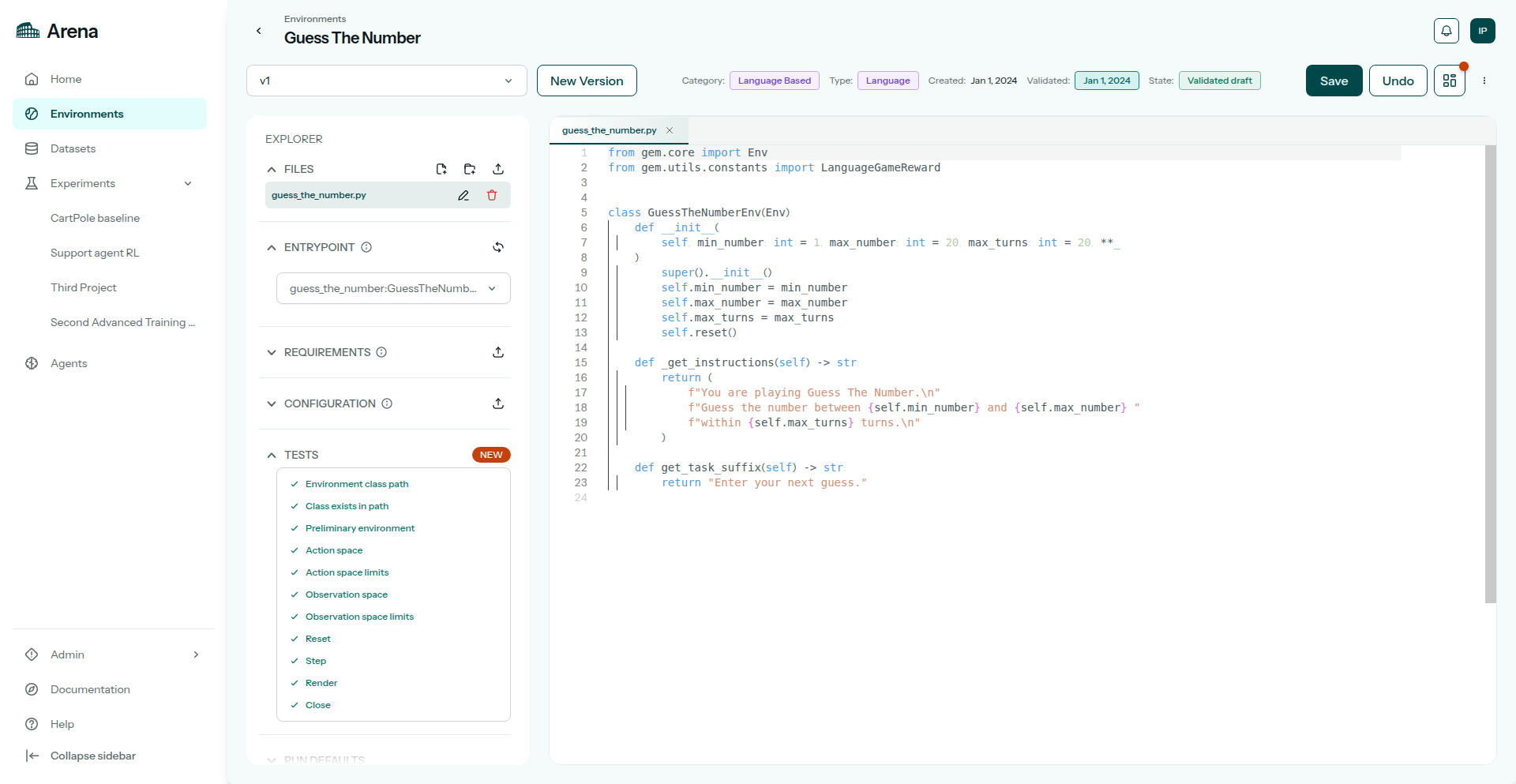
Validation checklist for the working set.
In the experiment wizard this gym appears as an RL Environment row. For multi-turn training, continue with Run a Multi-turn LLM experiment.
From the terminal
Upload and validate.
Install the CLI and sign in (Authentication):
pip install "agilerl[arena]"
arena login
# or: export ARENA_API_KEY=arena_pat_…
arena env validate ticket-sim --version v1 --source ./ticket_sim.tar.gz --language-based
List discovered entrypoints after validation finishes:
arena env entrypoints ticket-sim --version v1
Python
Validate the gym, then point a run spec at it:
from agilerl.arena import ArenaClient

with ArenaClient() as client:
    client.validate_environment(
        name="ticket-sim",
        version="v1",
        source="./ticket_sim.tar.gz",
        language_based=True,
    )
    spec = client.get_default_run_spec(
        algorithm="LLMPPO",
        gym_env="ticket-sim",
    )