Upload an SFT dataset
SFT datasets are the Language type with Prompt and Target columns. The target is the completion the model should copy.
Prerequisites
A CSV or Parquet file (or Hugging Face parquet folder) for SFT data. See SFT datasets.
1. Datasets sidebar
Click Datasets in the sidebar.
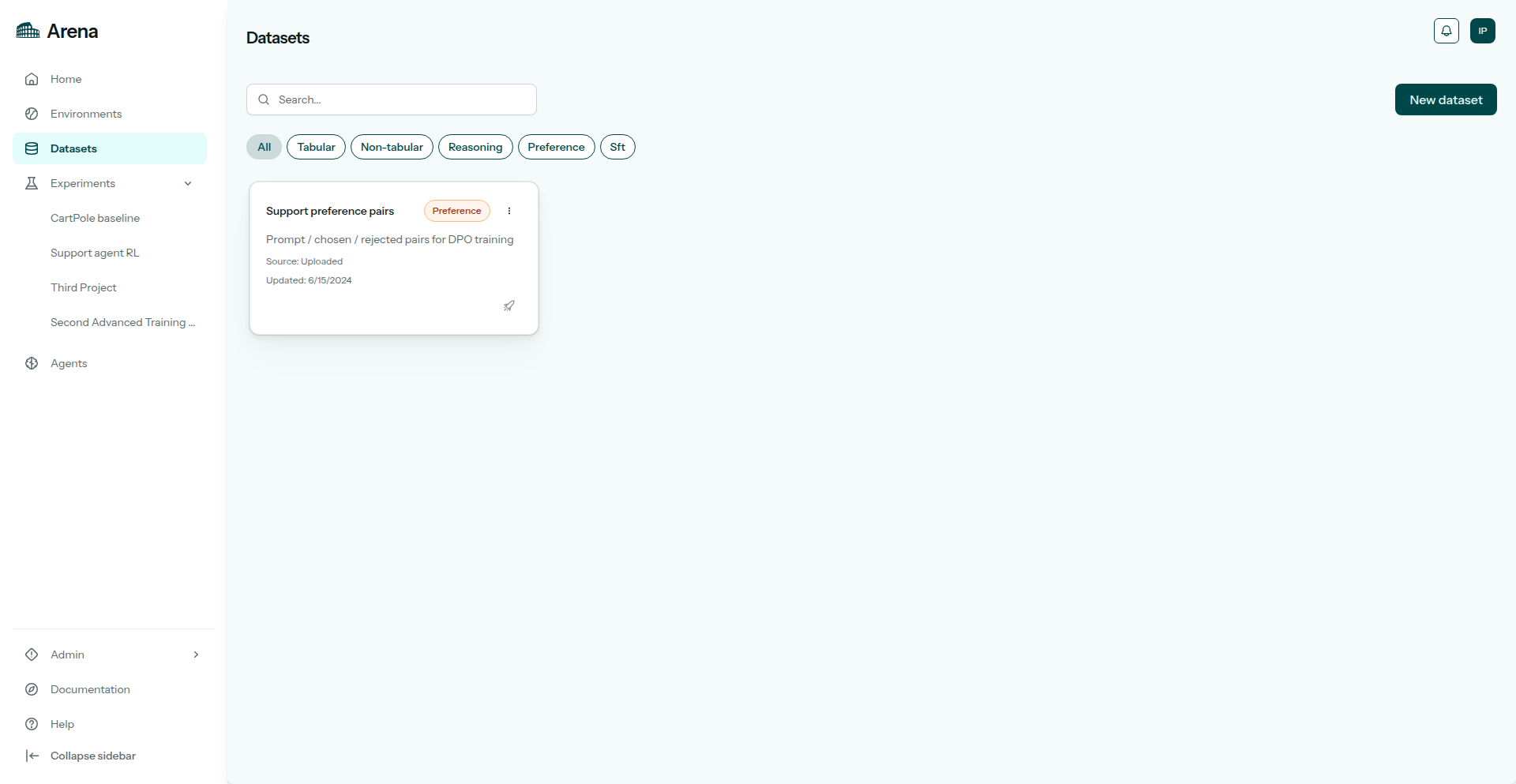
Datasets in the sidebar.
2. New dataset
Click New dataset. Choose category Language, then type SFT.
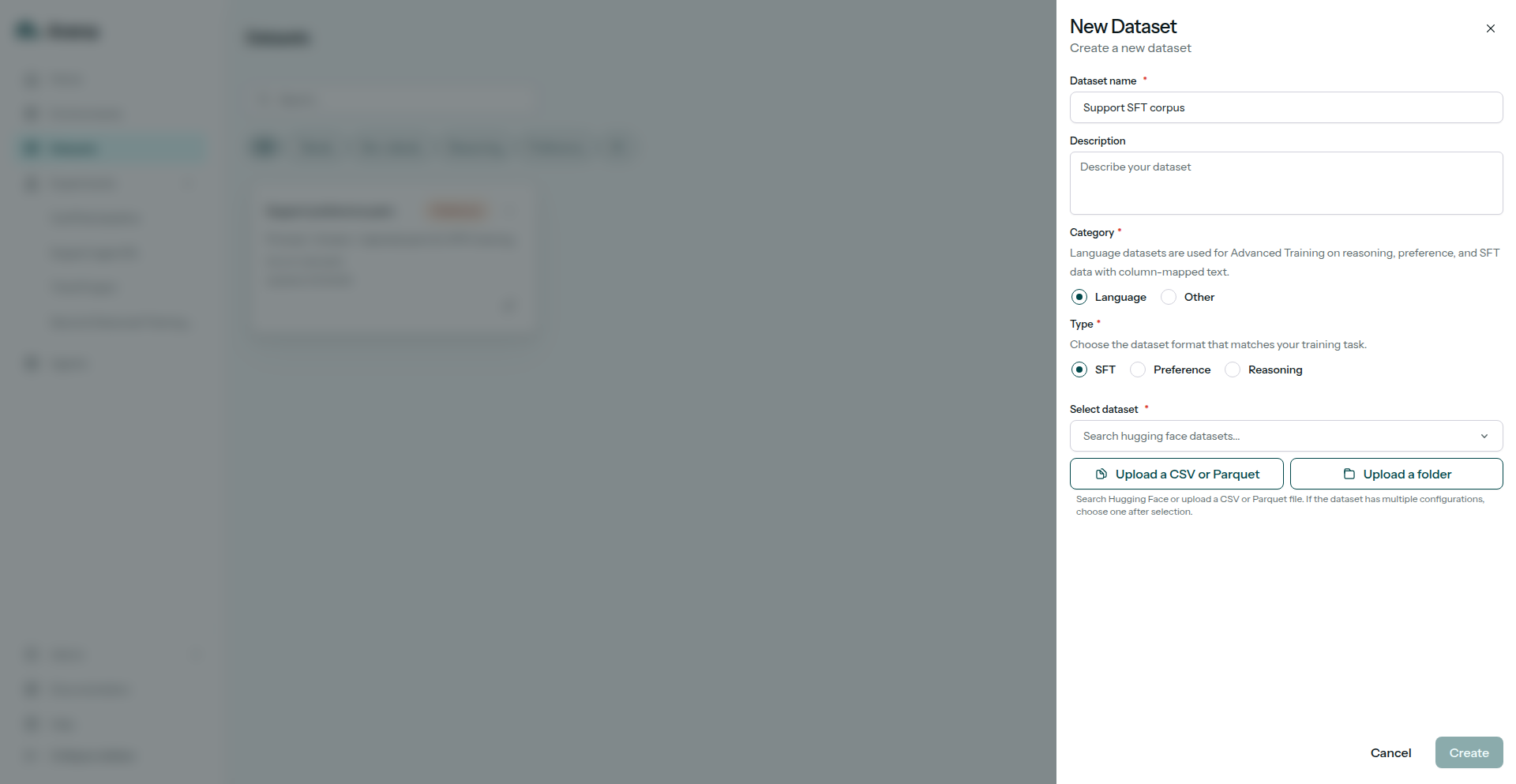
Creating a new SFT dataset.
3. Upload files
Upload a local file or import from Hugging Face.
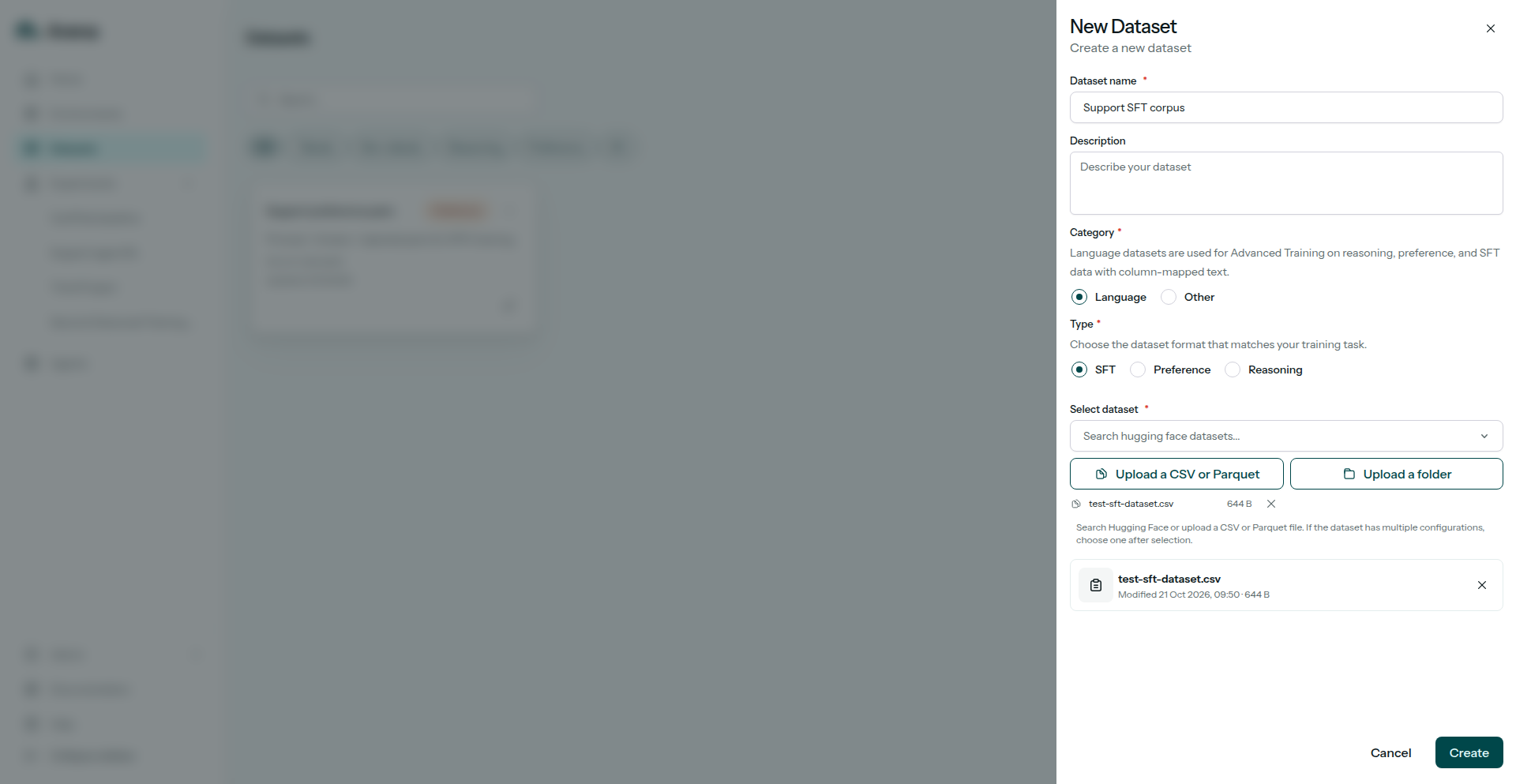
Uploading SFT dataset files.
4. Map columns
On Data, map columns to Prompt and Target. Save both before you leave the page or continue in the wizard.
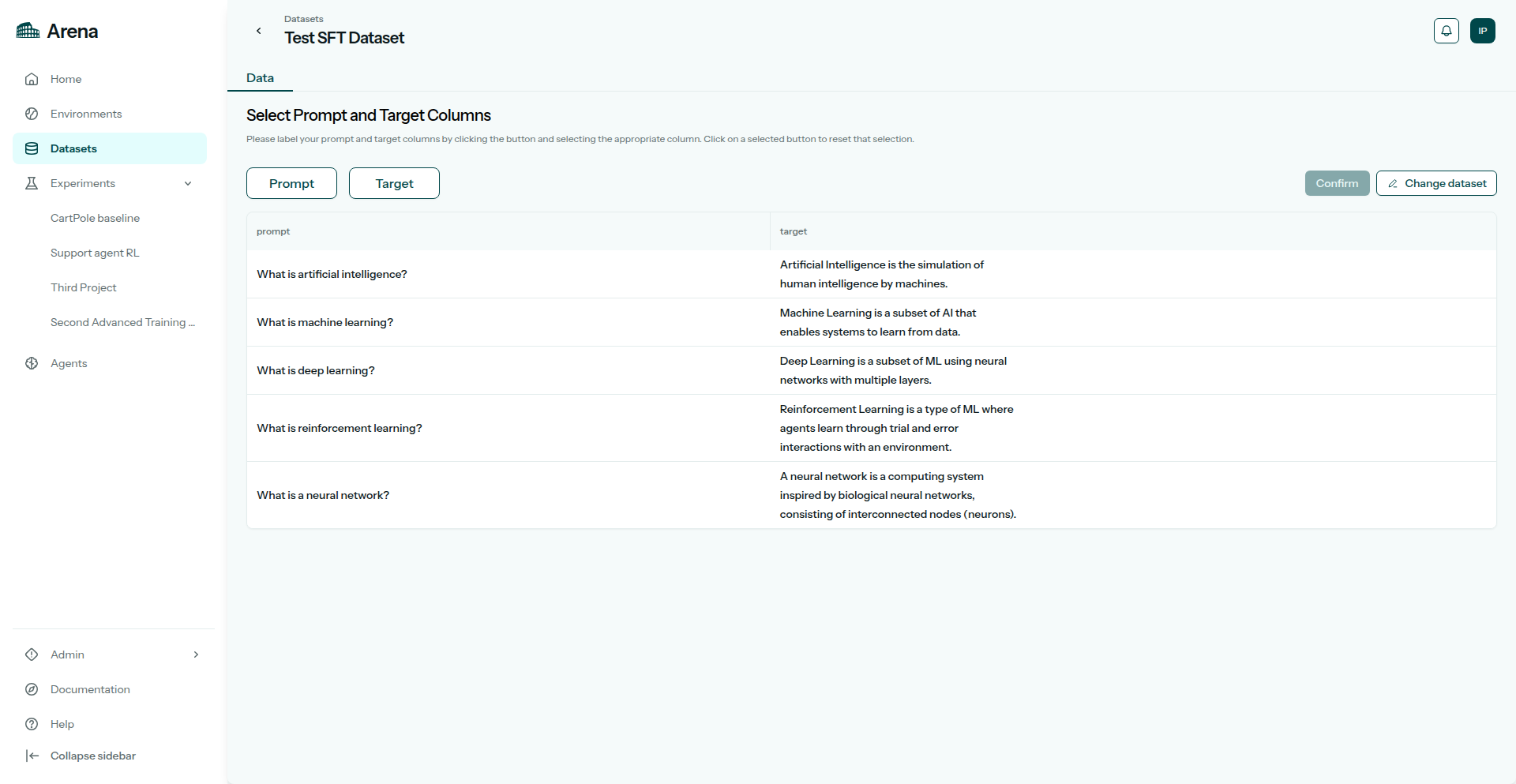
Selecting prompt and target columns.
5. Preview
Check a sample of rows after mapping.
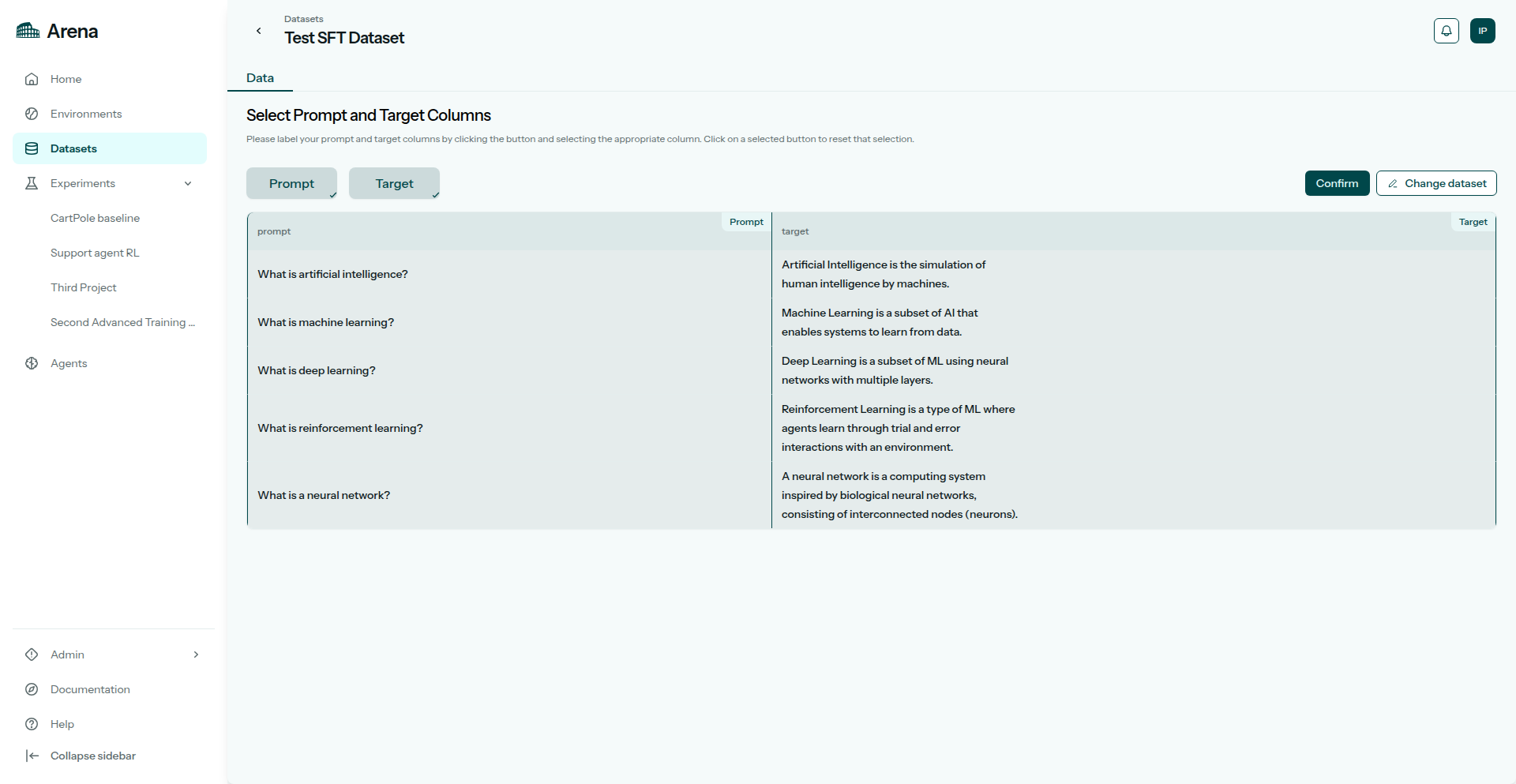
Preview of uploaded SFT rows.
6. Saved dataset
Save. The dataset shows up in the list and in the experiment wizard.
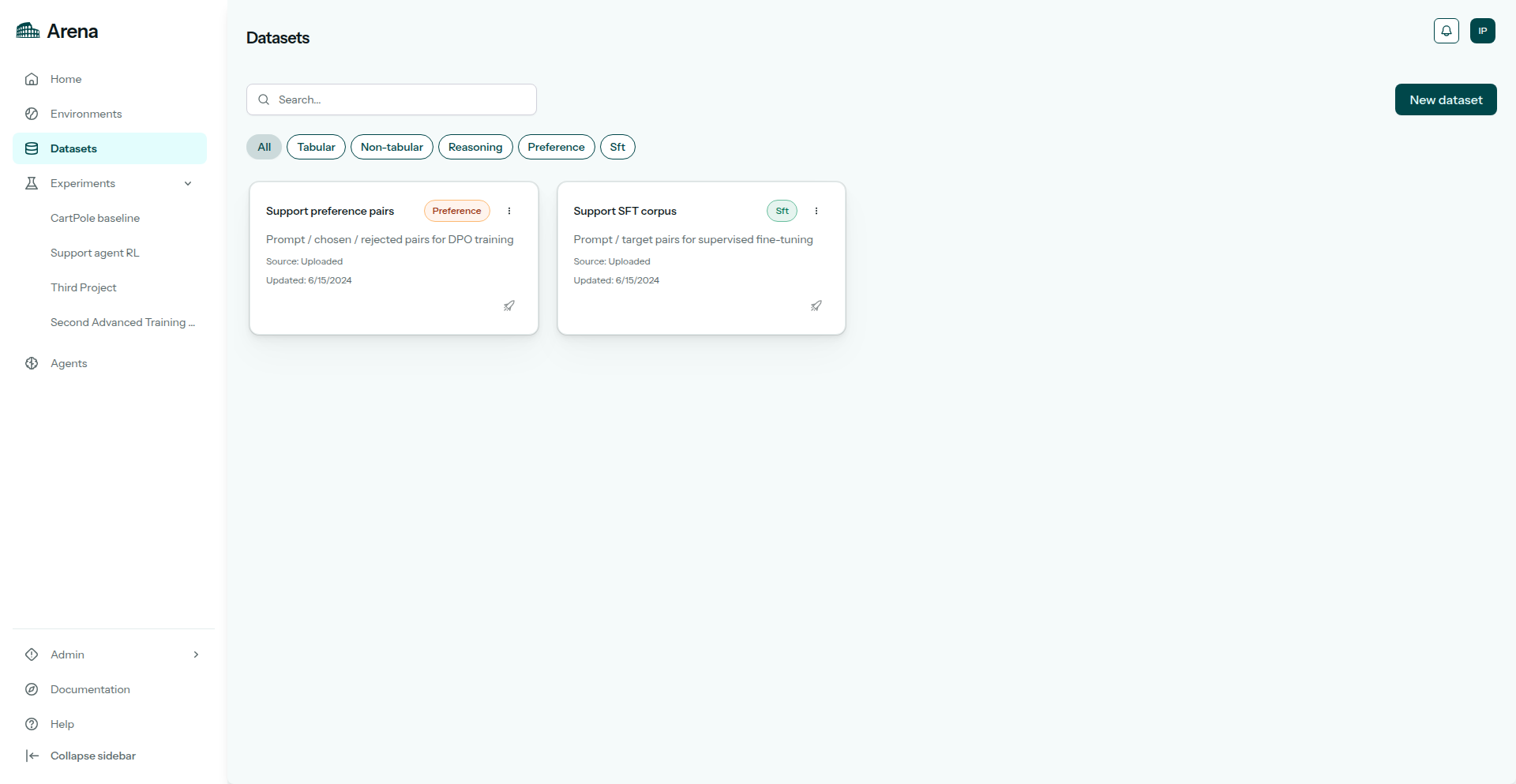
The dataset listed after save.
From the terminal
Create the dataset.
Install the CLI and sign in (Authentication):
pip install "agilerl[arena]"
arena login
# or: export ARENA_API_KEY=arena_pat_…
arena datasets create support-tickets-sft --category sft --column-mapping '{"prompt":"instruction","target":"response"}' --file ./sft.csv
category must be sft. If your file already uses prompt and target, put those names on both sides of the mapping.
Python
from agilerl.arena import ArenaClient

with ArenaClient() as client:
    client.create_dataset(
        name="support-tickets-sft",
        category="sft",
        file="./sft.csv",
        column_mapping={"prompt": "instruction", "target": "response"},
    )