Train an LLM
Create a preference dataset experiment in an Advanced Training project, configure DPO, and start training.
Prerequisites
Advanced Training project with a preference dataset (prompt / chosen / rejected columns).
See Preference datasets if you still need to upload data.
1. Open the project
On Experiments, open your Advanced Training project.
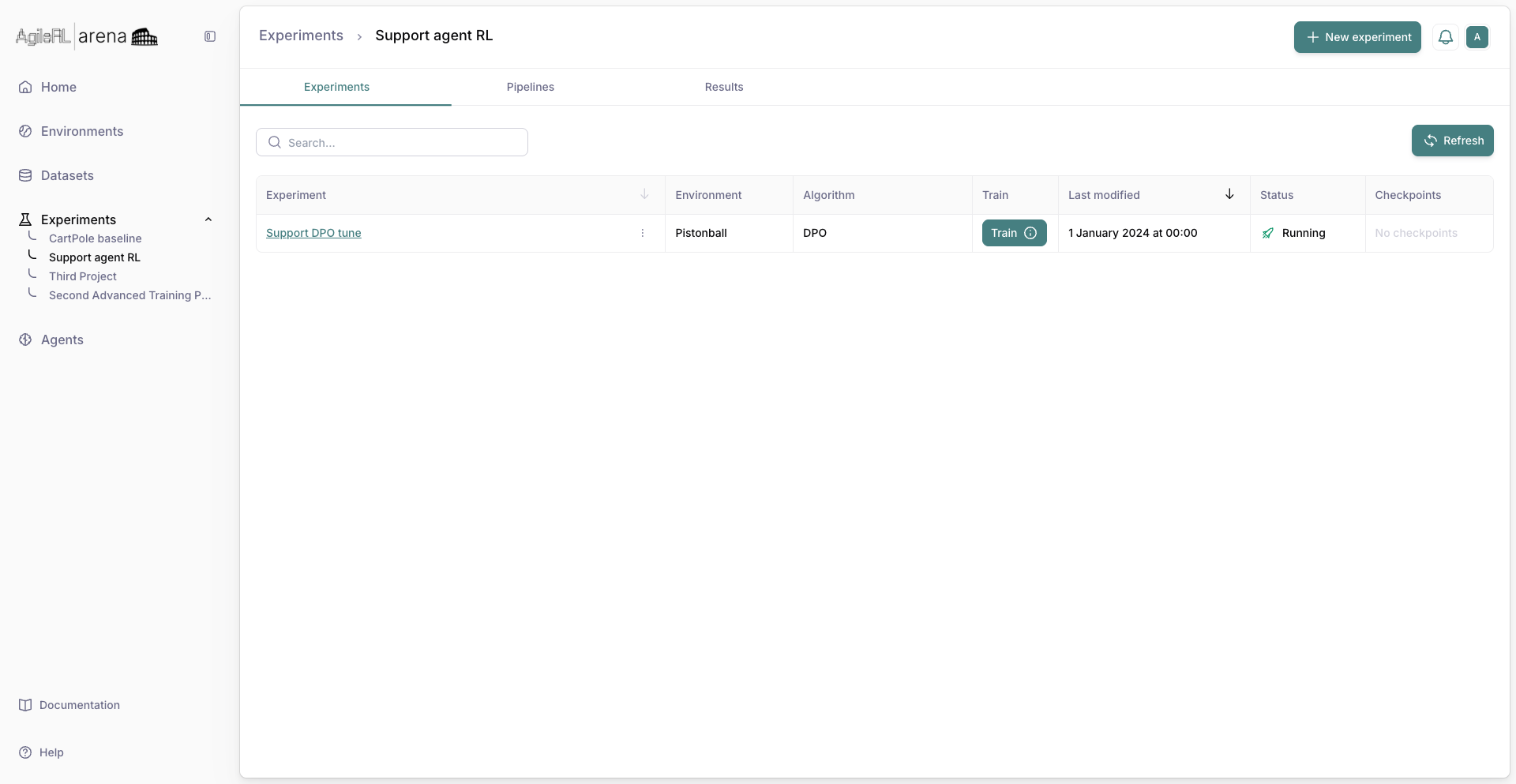
The Advanced Training project page.
2. New experiment
Click New experiment, name it, and save to open the wizard.
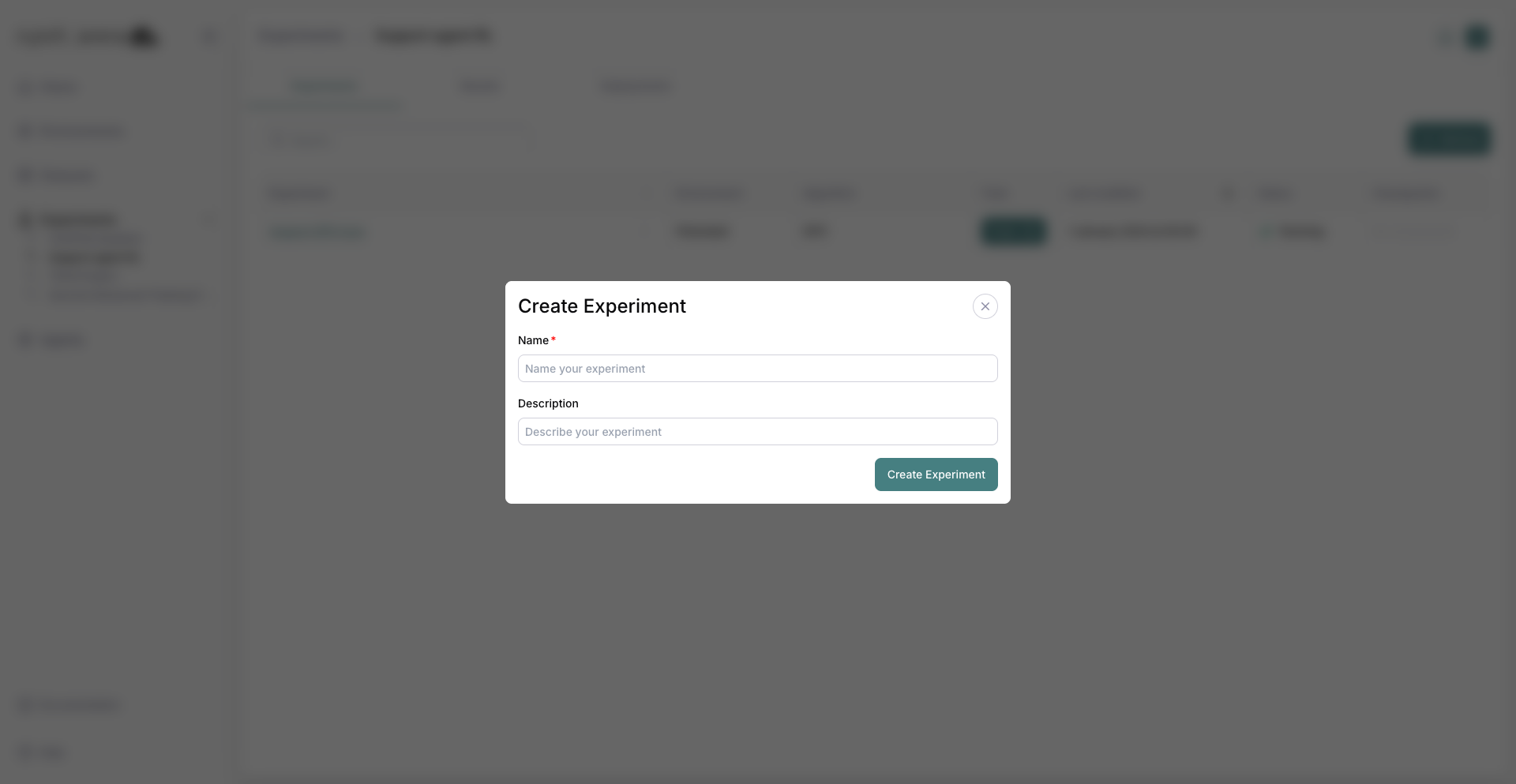
Creating a new experiment.
3. Environment step
On the wizard’s Environment step, select your preference dataset. The preview shows Prompt, Chosen, and Rejected columns.
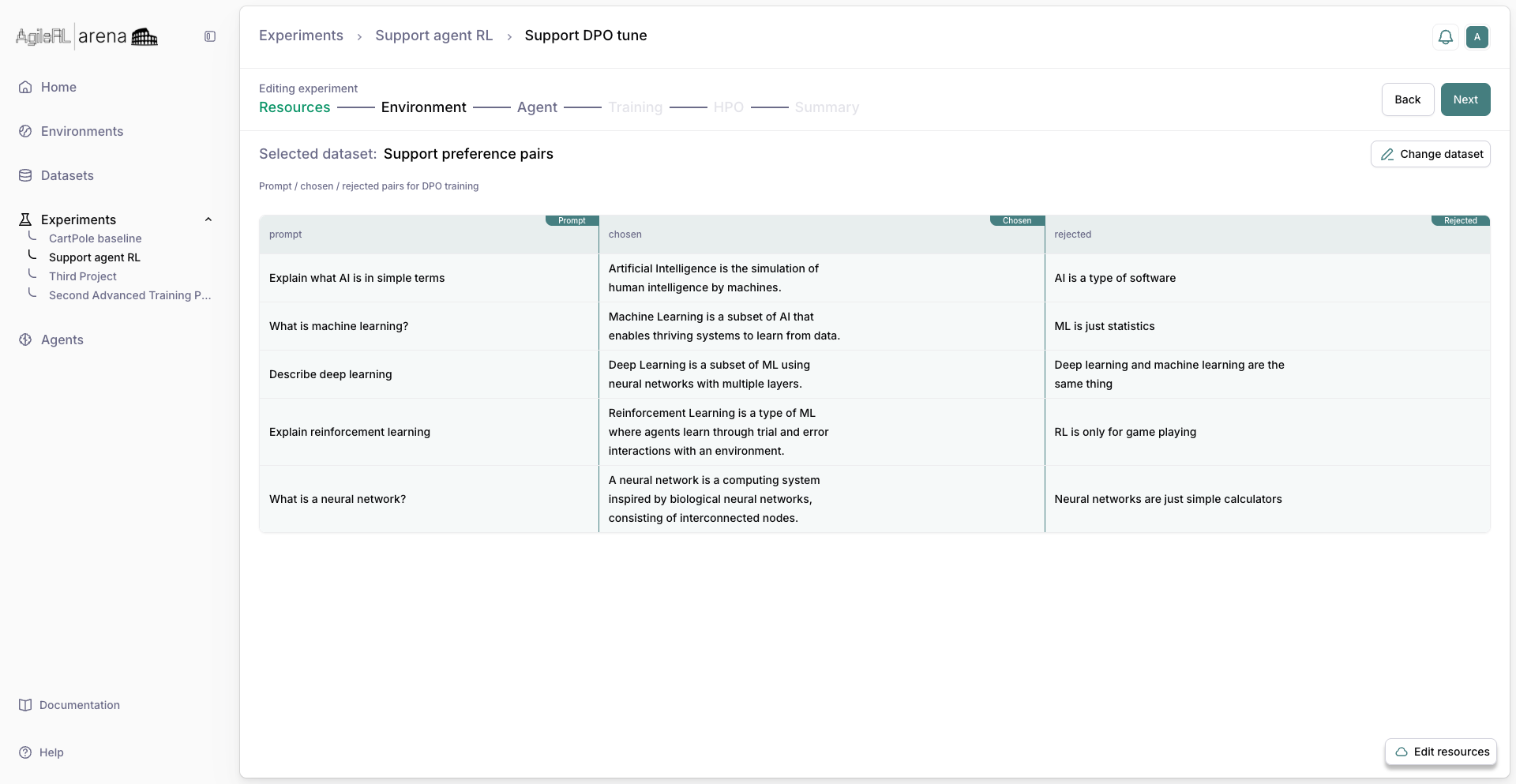
Selecting a preference dataset in the wizard.
4. Agent
Choose DPO and tune hyperparameters if needed. Click Next.
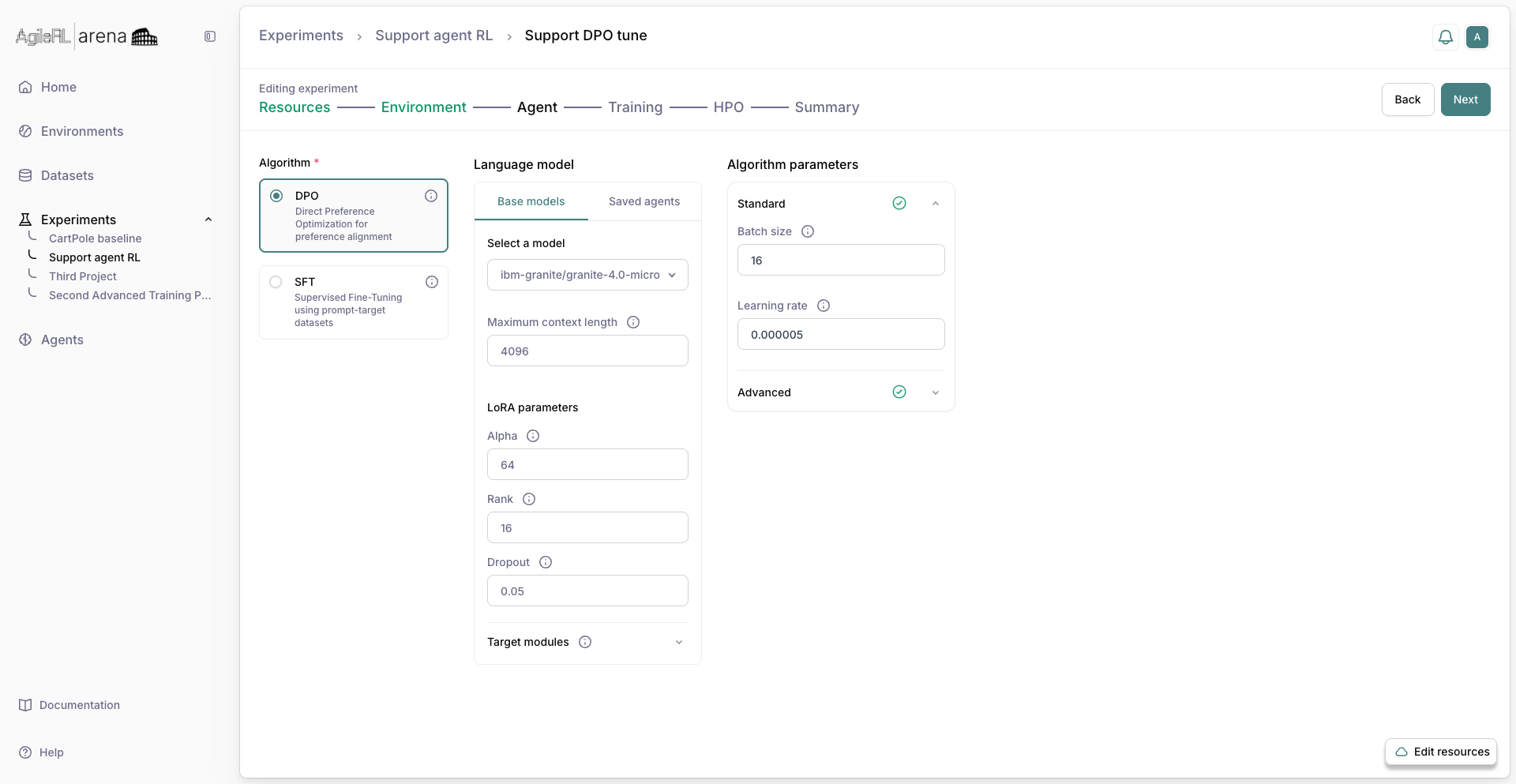
The Agent step with DPO for preference training.
5. Training
Set training steps and related options, then continue to HPO or Summary as shown.
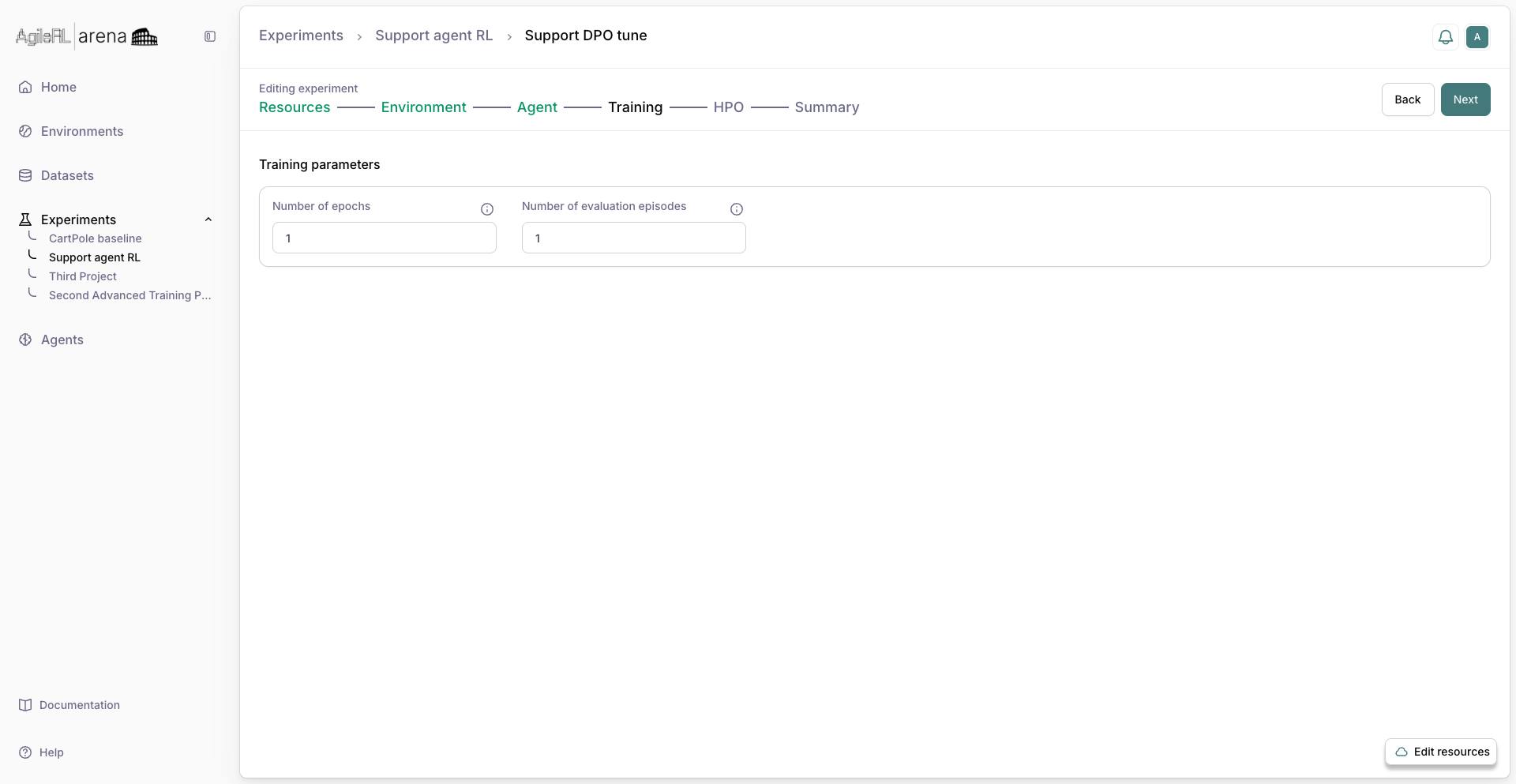
The Training step.
6. Summary
Review the configuration on Summary.
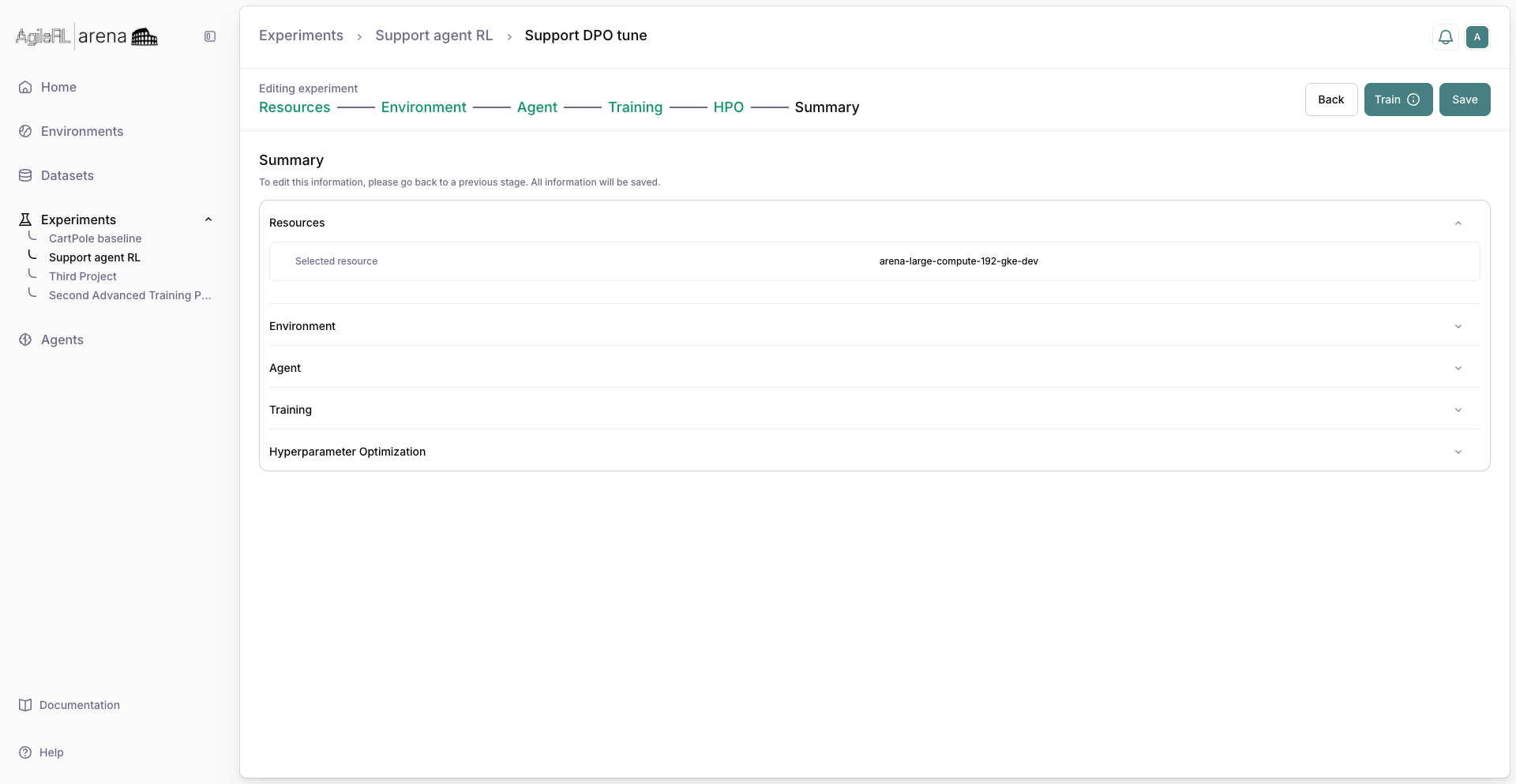
Summary before starting the run.
7. Running experiment
Click Train. The experiment row shows status while the job runs.
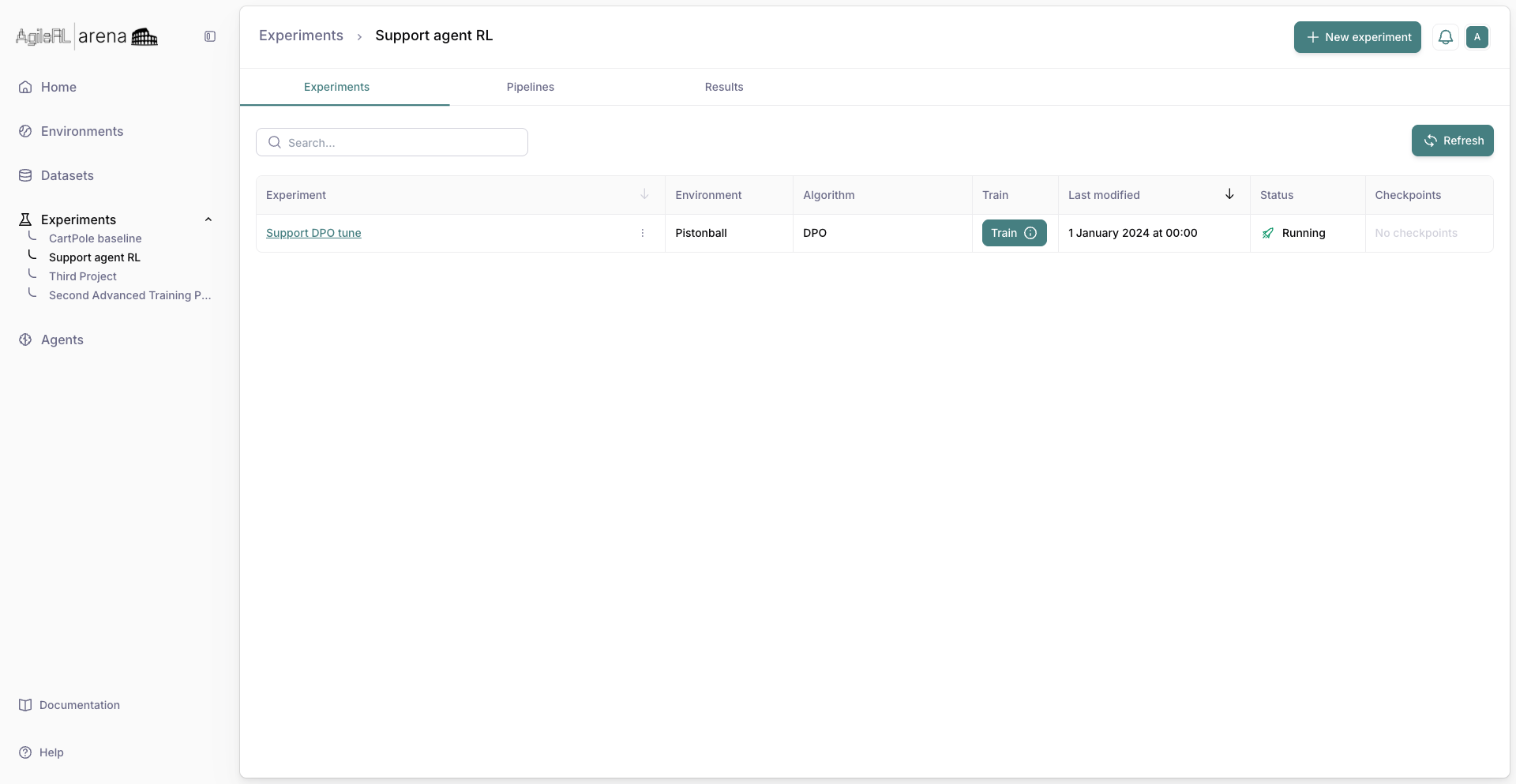
An experiment with an active training status.